







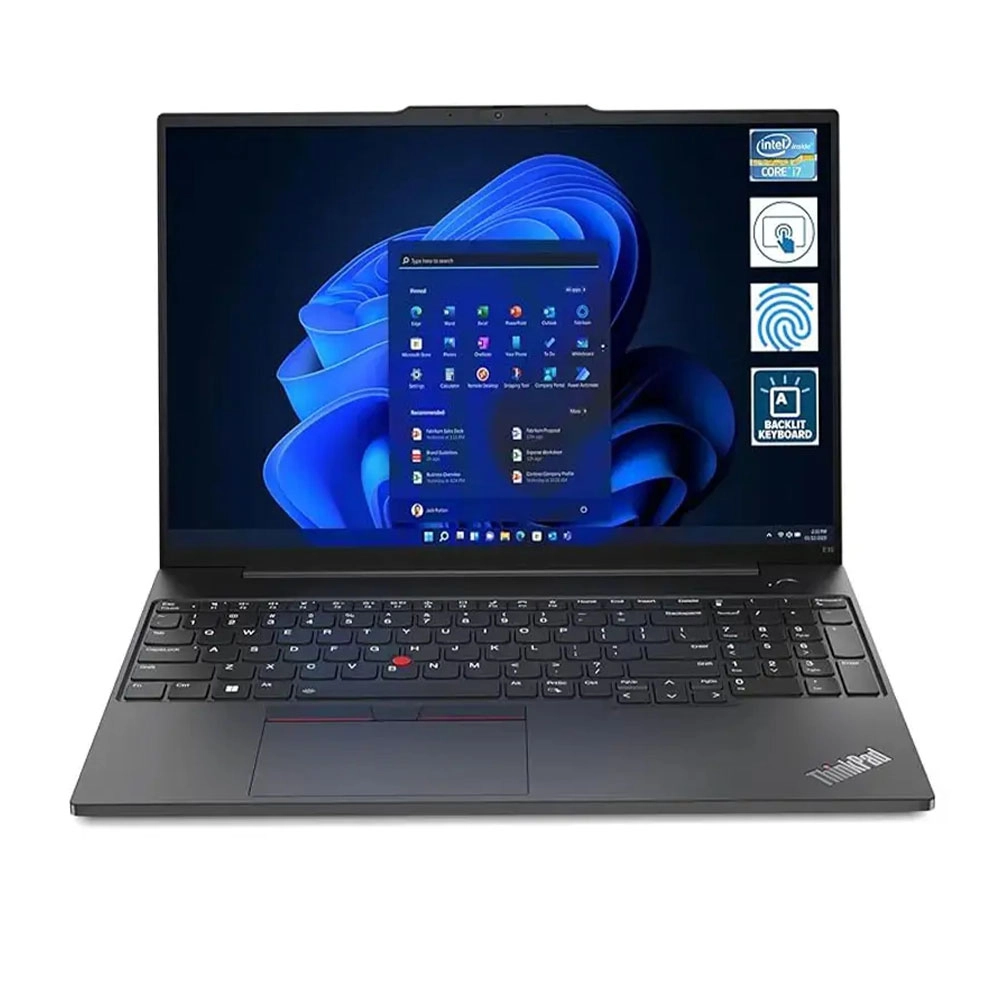
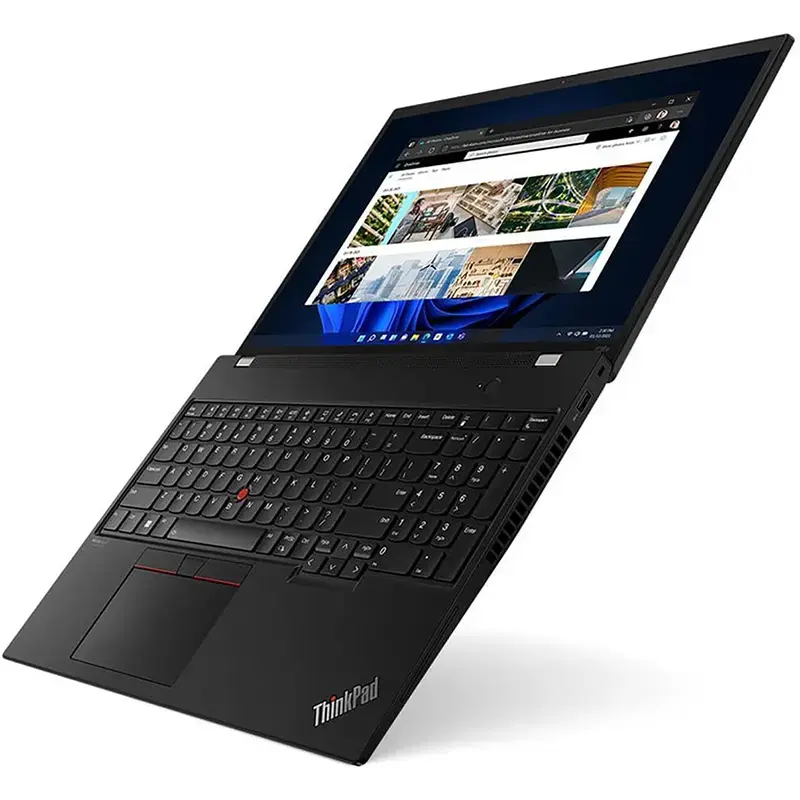
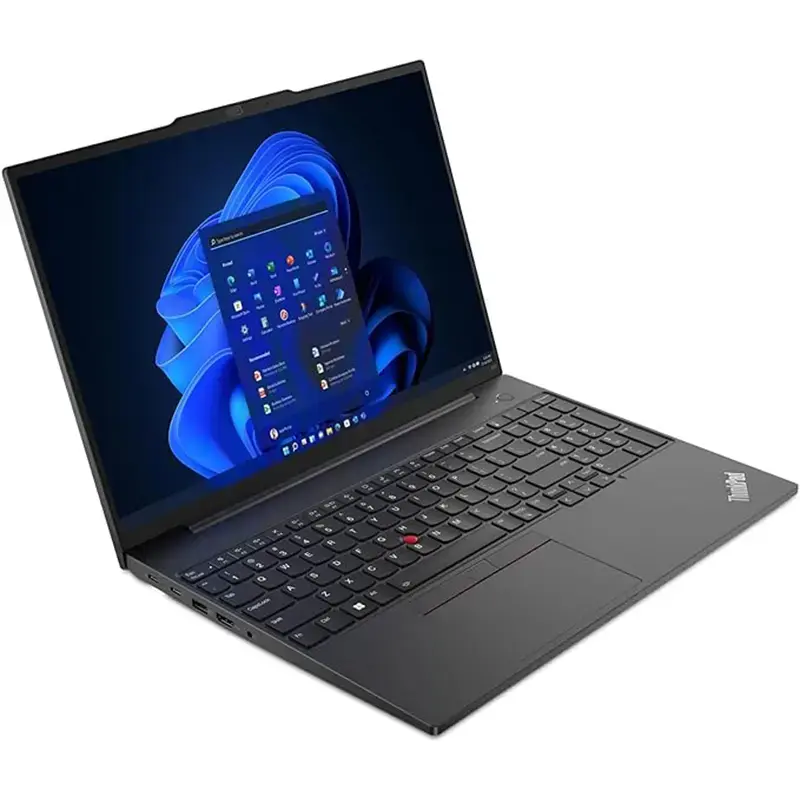

Lenovo Thinkpad X1 Carbon Gen 10 Laptop – Ci7-12th, 32GB RAM, 512 SSD Storage

| Brand and Model | Lenovo ThinkPad X1 Carbon Gen 10 |
|---|---|
| CPU model | 12th Gen Intel Core i7 |
| Installed RAM memory size | 32GB LPDDR5-5200 |
| Graphics card description | Intel Iris Xe Graphics |
| Hard disk size | 512GB SSD NVMe |
| Screen size | 14 Inches |
| Colour | Deep Black |
1,800 AED 2,000 AED
Lenovo ThinkPad X1 Carbon Gen 10 Core i7, 32GB RAM, 512GB SSD
The Lenovo ThinkPad X1 Carbon Gen 10 laptop introduces a more advanced processor architecture to Lenovo’s lightweight business notebook range. This configuration combines a 12th Generation Intel Core i7 processor with 32GB of LPDDR5 memory and a 512GB PCIe NVMe SSD. Its 14-inch display, carbon-fibre construction and Thunderbolt 4 connectivity create a compact system for professional workloads, while the hybrid CPU design separates demanding tasks from background processing.
| Technical Specification | Details |
|---|---|
| Brand | Lenovo |
| Model | ThinkPad X1 Carbon Gen 10 |
| Processor Generation | 12th Generation Intel Core i7 |
| Processor Options | Core i7-1265U, i7-1270P or other supported options, depending on SKU |
| CPU Architecture | Hybrid Performance-core and Efficient-core design |
| Core / Thread Count | Varies by processor; i7-1265U: 10 cores / 12 threads |
| Maximum Frequency | Up to 4.8GHz on Core i7-1265U |
| RAM | 32GB LPDDR5-5200 |
| Memory Configuration | Soldered, non-upgradeable |
| Storage | 512GB M.2 PCIe NVMe SSD |
| Graphics | Integrated Intel Iris Xe Graphics |
| Display Size | 14 inches |
| Aspect Ratio | 16:10 |
| Display Options | WUXGA, 2.2K, 2.8K OLED or WQUXGA, depending on configuration |
| Touchscreen | Available on selected configurations |
| Battery | Integrated 57Wh |
| Wireless Connectivity | Wi-Fi 6 or Wi-Fi 6E, depending on configuration |
| Bluetooth | Version varies by wireless module |
| Camera | HD or FHD camera, with optional IR |
| Audio | Stereo speakers with Dolby Atmos |
| Keyboard | Backlit ThinkPad keyboard |
| Chassis Materials | Carbon-fibre top cover and aluminium bottom cover |
| Starting Weight | Approximately 1.12kg |
| Operating System | Windows or Linux options, depending on configuration |
Hybrid Processing with 12th Generation Intel Core i7
The main hardware change in the ThinkPad X1 Carbon Gen 10 is its move to Intel’s 12th Generation hybrid processor architecture. Unlike the four-core processors in the previous generation, supported Core i7 options combine Performance-cores and Efficient-cores to distribute different types of work.
One documented configuration uses the Intel Core i7-1265U. This processor has 10 cores, consisting of two Performance-cores and eight Efficient-cores, with 12 threads and a maximum Performance-core frequency of 4.8GHz. Other Gen 10 configurations use processors such as the Core i7-1270P, which has a different core arrangement and power profile.
The hybrid design allows the processor to allocate demanding foreground applications to Performance-cores while handling suitable background tasks on Efficient-cores. This approach supports multitasking across office software, browser sessions, communication tools and other professional applications.
However, the exact CPU is important when assessing performance. The i7-1265U and i7-1270P do not have identical core counts or power characteristics. Therefore, the general label Core i7 12th Gen does not provide enough information to identify the precise processor inside an individual laptop.
32GB LPDDR5 Memory for Parallel Workloads
This configuration includes 32GB of LPDDR5-5200 memory. The larger memory capacity provides room for multiple applications, extensive browser sessions and larger working files to remain active without relying as heavily on storage-based memory management.
For professional workloads, 32GB can be useful when working with large spreadsheets, several business applications, development environments or multiple documents at once. It also gives the system more memory headroom than the 16GB versions of the same laptop.
Lenovo sold the X1 Carbon Gen 10 with memory soldered directly to the system board. There are no conventional RAM slots, and the installed capacity cannot be expanded later. Consequently, the 32GB configuration represents the laptop’s fixed memory capacity rather than an initial upgrade level.
The memory specification is LPDDR5, rated at 5200 MT/s for this platform. Lenovo notes that the installed memory may be capable of a higher data rate but operates at the processor-supported speed.
PCIe NVMe Storage and Internal Expansion
A 512GB M.2 2280 PCIe NVMe SSD handles the laptop’s operating system, applications and personal files. Its solid-state design provides fast access to stored data and supports responsive startup, software loading and file operations.
Lenovo’s platform documentation identifies one M.2 2280 storage slot with PCIe 4.0 x4 support. The available SSD interface and capacity can vary by original configuration and region.
The 512GB capacity provides a practical amount of space for common office applications, documents and project files. Larger media collections, virtual machines and extensive local datasets can use that capacity more quickly, however.
Unlike the soldered memory, the SSD uses a separate M.2 slot. This distinction matters when considering hardware maintenance: compatible storage replacement may be possible, while RAM expansion is not supported through a conventional upgrade.
Intel Iris Xe Graphics
The ThinkPad X1 Carbon Gen 10 uses integrated Intel Iris Xe Graphics with supported 12th Generation processors. The GPU shares system memory and operates within the processor platform rather than using a separate graphics card.
It handles everyday visual tasks such as desktop rendering, video playback, presentations, browser graphics and compatible creative applications. It can also support light image editing and moderate graphics workloads, depending on the software involved.
The laptop does not include a dedicated NVIDIA GeForce or AMD Radeon graphics processor in this configuration. Therefore, demanding 3D rendering, complex visual effects and graphics-intensive games are not its primary workload categories.
The correct graphics name for the product specifications is Intel Iris Xe Graphics, not Intel HD Graphics. This distinction is particularly important when documenting the hardware for product listings.
14-Inch Display Choices
The 14-inch display uses a 16:10 aspect ratio, providing more vertical workspace than a conventional 16:9 panel. This format is useful for reading long documents, viewing spreadsheets and working with applications that display extensive rows of information.
Lenovo offered several panel types for the X1 Carbon Gen 10. The available options include:
- WUXGA IPS: 1920 × 1200 resolution, with non-touch and touchscreen versions.
- 2.2K IPS: 2240 × 1400 resolution, designed for sharper text and images.
- 2.8K OLED: 2880 × 1800 resolution, with 100% DCI-P3 coverage and DisplayHDR True Black 500 support.
- WQUXGA IPS: 3840 × 2400 resolution, with selected versions offering 500 nits and 100% DCI-P3 coverage.
Brightness, colour reproduction, touch support and surface treatment depend on the installed panel. For this reason, the exact display specification cannot be determined from the Gen 10 model name alone.
The variety of display options makes the machine configuration particularly important. A WUXGA office-oriented panel and a high-resolution OLED panel offer different visual characteristics even though both belong to the same laptop generation.
Carbon-Fibre and Aluminium Construction
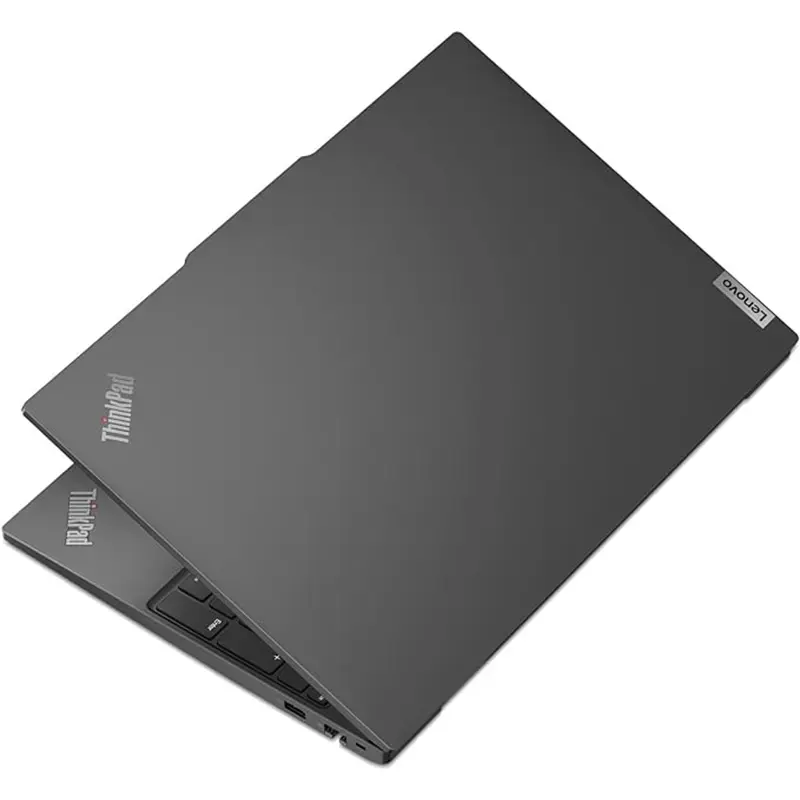
Lenovo uses a carbon-fibre top cover and an aluminium bottom cover for the X1 Carbon Gen 10. This construction supports the laptop’s lightweight design while providing a rigid enclosure for its internal components.
The starting weight is approximately 1.12kg, although the final weight depends on the display, battery-related configuration and other installed components. Its slim profile makes the laptop suitable for transport between offices, meeting rooms and remote work locations.
The exterior follows the familiar ThinkPad design language, with a restrained black finish and practical layout. Lenovo prioritises a compact structure, keyboard comfort and business connectivity rather than decorative styling.
ThinkPad Input and Collaboration Features
The keyboard retains the familiar ThinkPad layout, including the central TrackPoint and a dedicated pointing surface. Its backlighting supports typing in dim environments, while the spill-resistant design adds a practical feature for regular office use.
The TrackPoint allows pointer movement without moving the hands away from the keyboard. Meanwhile, the touchpad provides conventional navigation and multi-touch gesture support.
For communication, Lenovo offers several camera configurations, including HD and FHD options with or without infrared support. Selected versions include a privacy shutter and an IR camera for Windows Hello facial recognition.
The audio system combines stereo speakers with Dolby Atmos support and a four-microphone array. This setup supports video meetings, voice communication and everyday media playback. Exact camera resolution and biometric features depend on the individual machine configuration.
Thunderbolt 4 and External Display Support
The X1 Carbon Gen 10 provides a selection of ports designed for business accessories, docking stations and external displays. Its standard layout includes:
- Two Thunderbolt 4 ports
- Two USB-A 3.2 Gen 1 ports, including one Always On port
- One HDMI 2.0 port
- One 3.5mm headphone and microphone combo jack
- One Kensington Nano Security Slot
- Optional Nano-SIM connectivity on selected configurations
Thunderbolt 4 supports compatible high-speed storage, docking stations and external displays. Lenovo specifies support for up to four independent displays in total: the built-in panel and up to three external monitors through supported connections.
The USB-A ports maintain compatibility with conventional accessories, while HDMI offers a direct connection to many monitors and projectors. This combination reduces the need for adapters when connecting the laptop to common office equipment.
Wireless connectivity depends on the installed network module. Lenovo lists Wi-Fi 6 and Wi-Fi 6E options, with Bluetooth support determined by the selected wireless hardware.
Security and Business Management
Security features form an important part of the X1 Carbon Gen 10 platform. Lenovo offers a discrete TPM 2.0 security chip, fingerprint reader options and camera configurations with infrared support.
The fingerprint reader can be integrated into the power button, allowing supported systems to use biometric authentication. Selected configurations also include an IR camera for facial recognition through Windows Hello.
Some processor and machine configurations support Intel vPro technology for business management and security functions. However, vPro availability depends on the exact processor, platform configuration and regional model.
These features make the laptop’s hardware suitable for managed business environments, although the actual security capabilities of an individual unit should be checked against its machine type and installed components.
Battery Capacity and Charging
A 57Wh integrated lithium-polymer battery supplies power to the system. Lenovo also specifies Rapid Charge support, allowing the battery to reach approximately 80% capacity in around one hour when using a compatible 65W USB-C adapter.
Actual battery runtime depends on the processor, display panel, brightness, wireless activity and workload. For example, a high-resolution OLED panel and sustained processor activity can consume more power than light document editing.
Because the battery is integrated into the chassis, its condition is especially relevant when assessing a previously used unit. Battery age and charge-cycle history can affect the remaining capacity compared with the original factory specification.
Hardware Strengths and Limitations
The Core i7 and 32GB configuration has several important hardware characteristics:
- Hybrid processor architecture: 12th Generation Core i7 options combine Performance-cores and Efficient-cores to manage different workloads.
- 32GB LPDDR5 memory: The larger memory capacity supports extensive multitasking and applications that use more working memory.
- Fast NVMe storage: The 512GB M.2 SSD provides responsive data access and supports PCIe storage connectivity.
- Lightweight chassis: Carbon-fibre and aluminium construction keeps the starting weight close to 1.12kg.
- Thunderbolt 4 connectivity: Two high-speed ports support compatible docking stations, peripherals and external displays.
- Multiple display options: Lenovo offered IPS and OLED panels with different resolutions, brightness levels and touch capabilities.
The platform also has some limitations:
- Non-upgradeable RAM: The 32GB memory is soldered to the system board.
- Integrated graphics: Intel Iris Xe does not provide the dedicated graphics resources of a separate GPU.
- Display variation: Resolution, brightness, touch support and colour coverage depend on the installed panel.
- Processor variation: Core i7 U-series and P-series versions have different core counts and power characteristics.
- Battery ageing: Previously used devices may have reduced battery capacity compared with their original specification.
Lenovo ThinkPad X1 Carbon Gen 10 in Professional Environments
The Lenovo ThinkPad X1 Carbon Gen 10 combines a hybrid 12th Generation Intel Core i7 platform with 32GB of soldered LPDDR5 memory and a 512GB NVMe SSD. Its lightweight chassis, 14-inch 16:10 display options and Thunderbolt 4 connections create a business-oriented hardware platform with an emphasis on mobility and multitasking.
The 32GB configuration provides substantial memory capacity, while the processor’s Performance-cores and Efficient-cores help distribute different types of computing work. At the same time, integrated graphics, fixed memory and configuration-dependent display features define the system’s limitations. Identifying the exact processor and display panel is essential for describing an individual X1 Carbon Gen 10 accurately.
| Brand | |
|---|---|
| Model | Lenovo ThinkPad X1 Carbon Gen 10 |
| Processor | |
| RAM | |
| Storage | |
| Graphics | |
| Screen Size | |
| Camera | Integrated Camera |
| Color | |
| Keyboard | Backlit Keyboard, US-English |
| Operating System | Windows 11 Pro |
| Condition | Used-Excellent (Fully Tested) |
| Battery | |
| Weight | 1.12 kg |
| Warranty | 3 Months |
Based on 0 reviews
Only logged in customers who have purchased this product may leave a review.
Related products
-
Surface Book, Tablet and Detachable
Surface Book-2 Core i7-8th Gen 16GB RAM 512GB SSD 2GB Graphics
-11%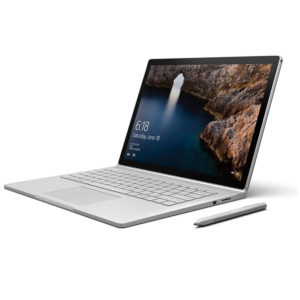 Surface Book, Tablet and Detachable
Surface Book-2 Core i7-8th Gen 16GB RAM 512GB SSD 2GB Graphics
Surface Book, Tablet and DetachableSurface Book-2 Core i7-8th Gen 16GB RAM 512GB SSD 2GB Graphics
<td class=”a-span3″ role=”presentation”>Color
Brand and Model Microsoft Surface Book 2 CPU model Intel Core i7-8650U Installed RAM memory size 16GB DDR4 Graphics card description 2GB Nvidia 1050GTX</td> Hard disk size 512GB SSD Nvme Screen size 13.5 Inches Full HD</span> Silver 
What is Tested Working?
This Renewed product is tested and certified to … more
How to deliver ?All delivery and payment options… more</a> ref=”https://idita.com/terms-and-conditions/”> 
Warranty , Term and Condition?
</span>In case you got problem and want to return … more
Order it easy ? Oder this item from whats-app Now.. more SKU: n/a -
Tablet and Detachable, Thinkpad X Series
Lenovo Thinkpad X1 Carbon Gen 11 Laptop – Ci7-13th, 32GB RAM, 512 SSD Storage
-17%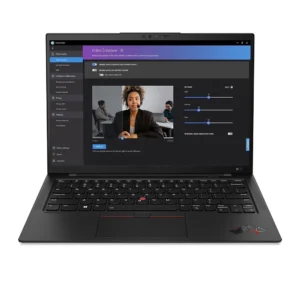 Tablet and Detachable, Thinkpad X Series
Lenovo Thinkpad X1 Carbon Gen 11 Laptop – Ci7-13th, 32GB RAM, 512 SSD Storage
Tablet and Detachable, Thinkpad X SeriesLenovo Thinkpad X1 Carbon Gen 11 Laptop – Ci7-13th, 32GB RAM, 512 SSD Storage
Brand and Model Lenovo ThinkPad X1 Carbon Gen 11 CPU model Intel Core i7-1365U (13th Gen) Installed RAM memory size 32GB LPDDR5-6000 Graphics card description Intel Iris Xe Graphics Hard disk size 512GB SSD NVMe Screen size 14 Inches Colour Deep Black SKU: n/a -
Surface Pro, Tablet and Detachable
Microsoft Surface Pro 7 + Core i5-11th 8GB 256GB SSD
Surface Pro, Tablet and DetachableMicrosoft Surface Pro 7 + Core i5-11th 8GB 256GB SSD
Brand and Model Microsoft Surface Pro 7+ CPU model Intel Core i5-11370H Installed RAM memory size 32GB DDR4 Graphics card description 4GB Nvidia RTX 3050 Hard disk size 512GB SSD Nvme Screen size 14.4 Inches Full HD Color Silver What is Tested Working?
This Renewed product is tested and certified to … moreHow to deliver ?All delivery and payment options… more Warranty , Term and Condition?
In case you got problem and want to return … moreOrder it easy ? Oder this item from whats-app Now.. more SKU: n/a -
Surface Pro, Tablet and Detachable
Microsoft Surface Pro 7 Core i5 10th | 8GB 256GB
Surface Pro, Tablet and DetachableMicrosoft Surface Pro 7 Core i5 10th | 8GB 256GB
</tr>/span>
>>>role=”presentation”>Brand and Model >Microsoft Surface Pro 7 CPU model >e=”presentation”>Intel Core i5-1oth le=”presentation”>Installed RAM memory size 16GB DDR4 Graphics card description Intel UHD “>Hard disk size 256GB SSD Nvme Screen size< 12.3 Inches Full HD Colour Platinum SKU: Su70174
There are no reviews yet.