







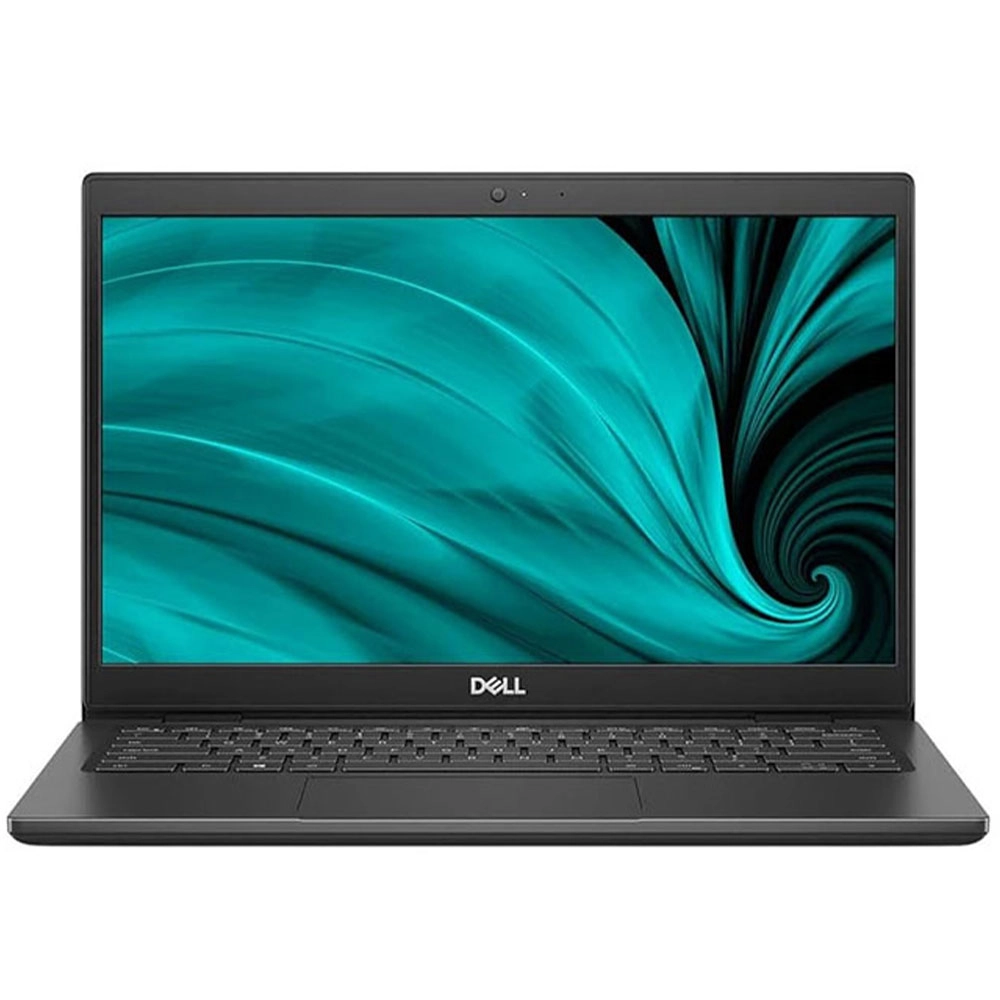
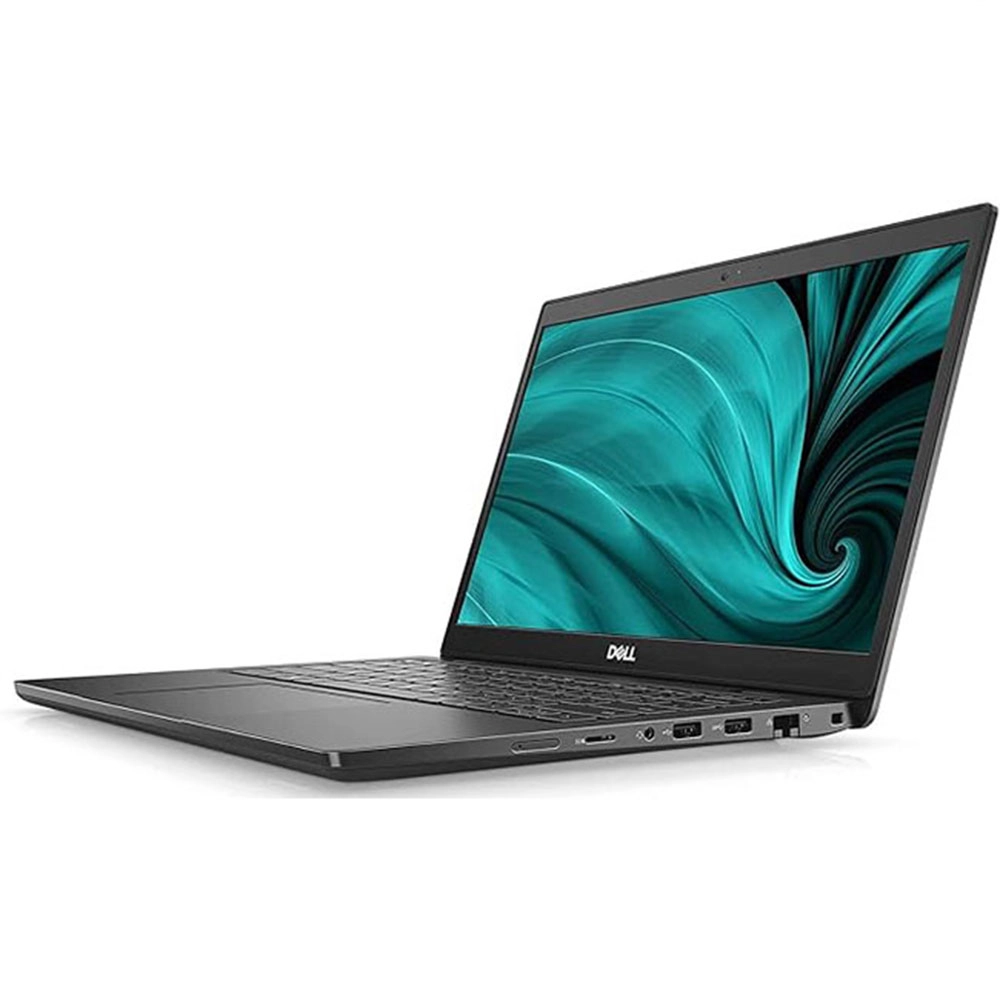
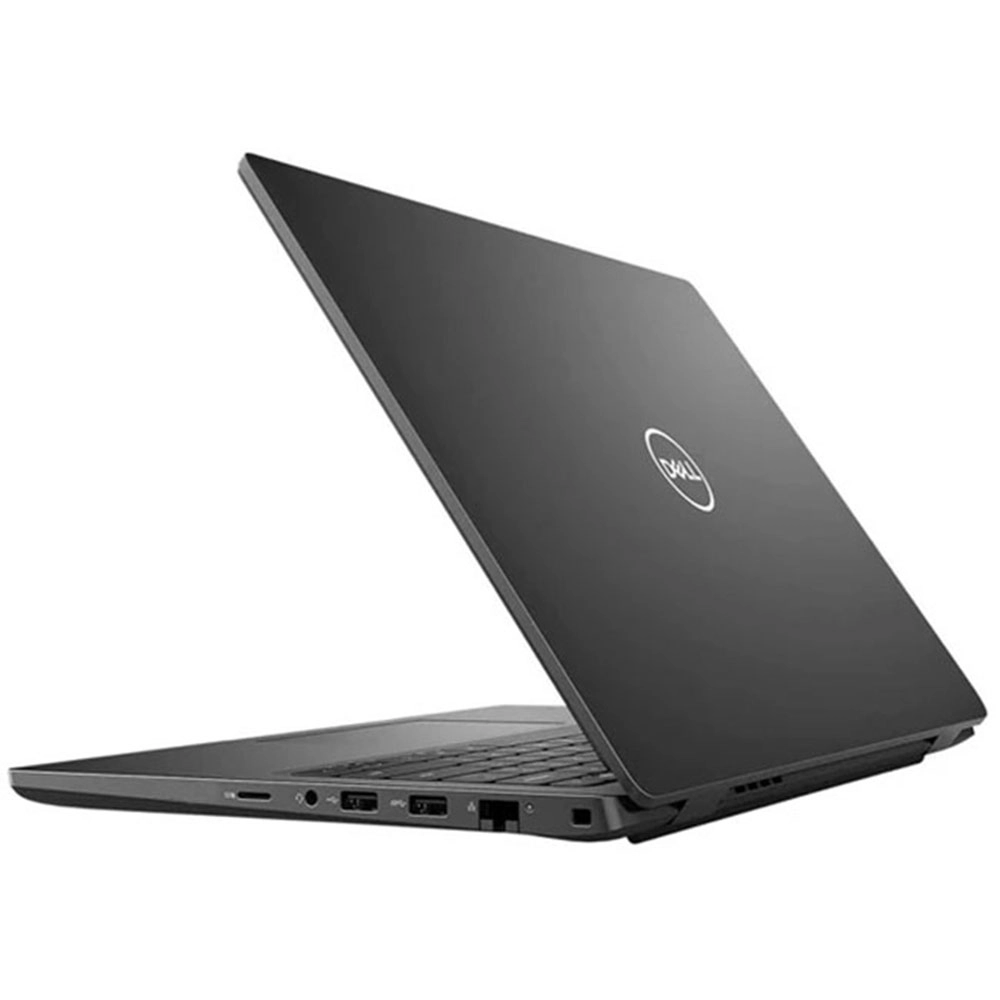
Dell Latitude 3420 | Intel Core i5 11th Gen | 8GB RAM | 256 SSD | 14″ | Renewed

| Brand and Model | Dell Latitude 3420 |
|---|---|
| CPU model | Intel Core i5 11th Gen |
| Installed RAM memory size | 8GB |
| Graphics card description | Intel Iris Xe Graphics |
| Hard disk size | 256GB SSD |
| Screen size | 14 Inches |
| Colour | Grey |
| Condition | Renewed |
700 AED 800 AED
Dell Latitude 3420 Laptop
The Dell Latitude 3420 is a practical business laptop from the Dell Latitude 3000 Series, built for everyday office tasks, study and general productivity. Equipped with an 11th Generation Intel Core i5 processor, 8GB of DDR4 memory and a 256GB SSD, it offers a straightforward hardware configuration for users who need a dependable computer for routine work.
Unlike premium business notebooks that focus on advanced features and high-end materials, the Latitude 3420 takes a more functional approach. It combines essential connectivity, a familiar 14-inch form factor and accessible internal components. Its upgradeable memory is particularly useful for users who may want to improve multitasking capacity later.
Dell Latitude 3420 Specifications
| Specification | Details |
|---|---|
| Brand | Dell |
| Model | Latitude 3420 |
| Product Series | Dell Latitude 3000 Series |
| Processor | Intel Core i5 11th Gen |
| RAM | 8GB DDR4 3200MHz |
| Storage | 256GB M.2 PCIe NVMe SSD |
| Graphics | Intel Iris Xe Graphics |
| Display Size | 14 inch |
| Display Resolution | HD or Full HD, depending on configuration |
| Operating System | Windows 10/11 or Ubuntu, depending on configuration |
| Form Factor | Standard Laptop |
| Connectivity | USB-C, USB-A, HDMI, Ethernet, Wi-Fi and Bluetooth |
Everyday Computing with an 11th Gen Intel Core i5
The Latitude 3420 uses an 11th Generation Intel Core i5 processor. Supported configurations include the Intel Core i5-1135G7 and Core i5-1145G7, both featuring four cores and eight threads.
These processors are designed for mainstream computing rather than specialised high-performance workloads. They can handle common office applications, web browsing, email, online meetings, document editing and everyday multitasking.
For employees working with spreadsheets, presentations, business management software and cloud-based platforms, the Core i5 platform provides a suitable level of performance. It also supports routine home and educational tasks without requiring the additional processing power of a more expensive workstation.
The supplied i5 11th specification does not identify the exact processor SKU. The i5-1135G7 and i5-1145G7 are supported examples, but the installed processor should be confirmed for the individual laptop.
8GB DDR4 Memory with Room for Expansion
This configuration includes 8GB of DDR4 memory running at up to 3200MHz. It is a reasonable starting capacity for everyday productivity, including document editing, browsing, online communication and using standard office applications.
One useful feature of the Latitude 3420 is its memory design. Unlike laptops with fully soldered RAM, this model has two SODIMM memory slots. Dell lists supported memory configurations up to 32GB, allowing users to increase capacity if their workload becomes more demanding.
The installed 8GB may be configured as a single 8GB module or as two 4GB modules. This distinction matters when planning an upgrade because the available memory slot depends on the original configuration.
For users who regularly keep many applications open or work with larger spreadsheets, upgrading the memory can improve the system’s flexibility and multitasking experience.
256GB NVMe SSD for Essential Files and Applications
A 256GB M.2 PCIe NVMe SSD provides storage for the operating system, applications, documents and everyday work files. Its solid-state design offers faster access to stored data than a conventional mechanical hard drive.
This capacity is suitable for users who mainly work with office documents, presentations, PDFs, browser-based applications and a moderate collection of files. It also helps keep the laptop responsive during startup and application loading.
However, 256GB may become restrictive for users who store large video files, extensive media libraries or multiple large software packages locally. External storage or cloud services can help accommodate those additional files.
14-Inch Display for Work and Study
The Dell Latitude 3420 features a 14-inch display, providing a practical screen size for office desks, classrooms and mobile work environments.
Dell offered several display options for this model, including:
- HD resolution of 1366 × 768.
- Full HD resolution of 1920 × 1080.
- Anti-glare display options.
- Touchscreen availability on selected configurations.
The exact panel affects image sharpness, brightness and viewing experience. A Full HD version provides more workspace and clearer detail than the HD option, particularly when reading text or working with spreadsheets.
The display should therefore be checked against the specific unit rather than assuming that every Latitude 3420 has the same resolution or touch capability.
Integrated Intel Graphics for Daily Visual Tasks
The Latitude 3420’s 11th Generation Core i5 configurations use integrated Intel graphics, commonly identified as Intel Iris Xe Graphics in Dell’s specifications.
This graphics solution is suitable for everyday visual tasks such as video playback, presentations, web content, office applications and connecting compatible external displays. It can also support light photo editing and casual graphics workloads.
Its performance is not equivalent to a dedicated graphics card. The Latitude 3420 is therefore better suited to general productivity than demanding 3D design, professional rendering or modern graphics-intensive gaming.
Connectivity for a Traditional Office Setup
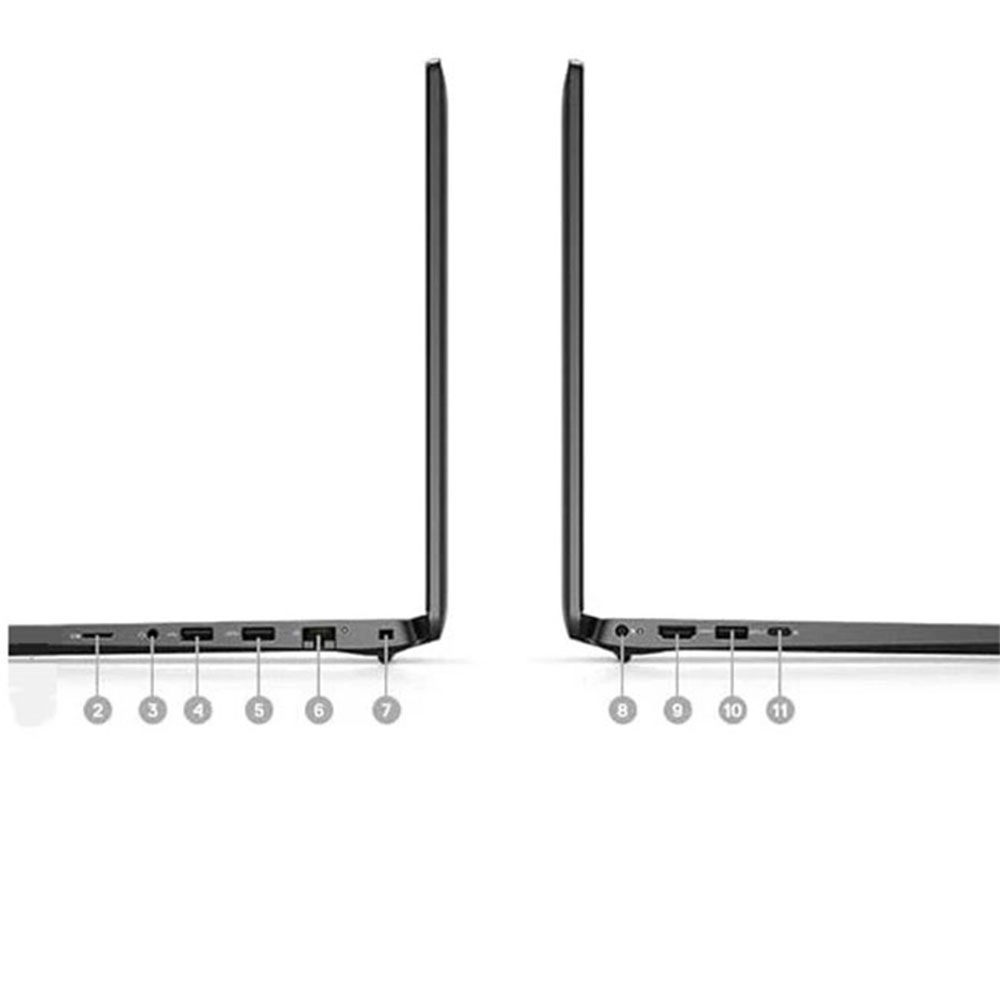
The Latitude 3420 offers a practical range of physical connections, making it easier to integrate into an existing office environment without relying entirely on adapters.
Its available ports include:
- One USB Type-C 3.2 Gen 2 port with DisplayPort and Power Delivery support.
- Two USB 3.2 Gen 1 Type-A ports, including one with PowerShare.
- One USB 2.0 port.
- One HDMI 1.4a port.
- One RJ-45 Ethernet port.
- One universal audio jack.
- One microSD card reader.
- A wedge-shaped security lock slot.
The built-in Ethernet connection is especially useful in workplaces that prefer wired network access. USB-A ports support common accessories such as flash drives, keyboards and mice, while HDMI allows connection to compatible external monitors and projectors.
Wireless connectivity varies by configuration and may include Wi-Fi 6 and Bluetooth 5.1. These options support everyday wireless networking and accessories.
Practical Construction, Battery and Mobility
The Dell Latitude 3420 uses a conventional business-laptop design with a 14-inch display and a chassis intended for regular workplace use. It weighs approximately 1.52 kg, making it manageable for commuting between home, school and the office.
Dell lists a 54Wh battery option for this model, although battery capacity and actual runtime should be verified against the individual configuration. Screen brightness, battery condition, background applications and workload can all affect how long the laptop operates away from a power outlet.
The model also offers business-oriented configuration options such as an HD webcam, optional IR camera and fingerprint reader. These features are not necessarily present on every unit, so they should be confirmed before being advertised as included.
Who Is the Dell Latitude 3420 Suitable For?
The Latitude 3420 is aimed at users who need a functional laptop for common computing tasks rather than specialised professional workloads.
It is particularly suitable for:
- Office employees: Preparing documents, handling email, editing spreadsheets and using business applications.
- Students: Researching online, writing assignments, preparing presentations and attending virtual classes.
- Small businesses: Providing staff with a practical computer for administration and routine office operations.
- Home users: Browsing the internet, managing files, watching videos and handling everyday digital tasks.
- Administrative professionals: Working with databases, reports and web-based management systems.
Users who need to run demanding creative applications or keep many resource-intensive programs open may benefit from a configuration with more RAM and stronger graphics capabilities.
Main Advantages and Limitations
Advantages
- 11th Generation Intel Core i5 processor options.
- 8GB DDR4 memory for standard productivity tasks.
- Two SODIMM slots with support for up to 32GB RAM.
- 256GB PCIe NVMe SSD for responsive storage.
- Practical 14-inch display size.
- Integrated graphics suitable for everyday visual work.
- Useful selection of USB ports, HDMI and Ethernet.
- Relatively manageable weight of approximately 1.52 kg.
Limitations
- 8GB RAM may be restrictive for heavier multitasking.
- 256GB storage may not be sufficient for large local file collections.
- Display resolution and touchscreen features vary by configuration.
- Integrated graphics are not designed for demanding gaming or professional 3D work.
- Battery runtime depends on the installed battery and its condition.
Final Verdict
The Dell Latitude 3420 is a straightforward business laptop that focuses on essential computing capabilities and practical usability. Its 11th Generation Intel Core i5 processor, 8GB RAM and 256GB SSD provide a suitable foundation for office applications, education and everyday tasks.
Its strongest practical advantage is the combination of a conventional 14-inch design and upgradeable memory. Users can begin with the supplied 8GB configuration and increase RAM capacity later if their requirements change. For people who need a functional Dell laptop for routine productivity without relying on advanced graphics performance, the Latitude 3420 offers a balanced set of essential features.
| Brand | |
|---|---|
| Model | Latitude 3420 |
| Processor | |
| RAM | |
| Storage | |
| Graphics | |
| Screen Size | |
| Camera | Integrated Camera |
| Color | |
| Keyboard | Backlit Keyboard |
| Operating System | Windows 11 Pro |
| Condition | Used-Excellent (Fully Tested) |
| Battery | |
| Weight | 1.52 kg |
| Warranty | 3 Months |
Based on 0 reviews
Only logged in customers who have purchased this product may leave a review.
Related products
-
Business Laptops, HP Elitebook, Ultrabook and X360
HP EliteBook 1040 G10 X360 Intel Core i5-1355U | 16GB RAM | 512GB SSD
-8%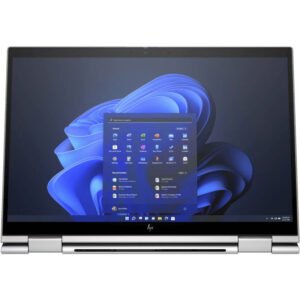 Business Laptops, HP Elitebook, Ultrabook and X360
HP EliteBook 1040 G10 X360 Intel Core i5-1355U | 16GB RAM | 512GB SSD
Business Laptops, HP Elitebook, Ultrabook and X360HP EliteBook 1040 G10 X360 Intel Core i5-1355U | 16GB RAM | 512GB SSD
Brand and Model HP Elitebook 1040 x360 G10 CPU model Intel Core i5-1335U Installed RAM memory size 16GB DDR4 Graphics card description Intel Iris Xe Graphics Hard disk size 512 GB SSD Nvme Screen size 14.1 Inches Full HD Colour Silver SKU: HP70182 -
Business Laptops, HP Elitebook, Office and Student
HP EliteBook 840 G6 – Intel Core i5-8th | 8GB RAM | 256GB SSD | 14 inch Display | Windows 10 Home
-7%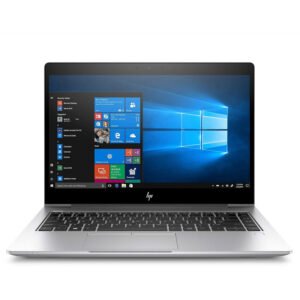 Business Laptops, HP Elitebook, Office and Student
HP EliteBook 840 G6 – Intel Core i5-8th | 8GB RAM | 256GB SSD | 14 inch Display | Windows 10 Home
Business Laptops, HP Elitebook, Office and StudentHP EliteBook 840 G6 – Intel Core i5-8th | 8GB RAM | 256GB SSD | 14 inch Display | Windows 10 Home
SKU: n/a -
Business Laptops, Lenovo Thinkpad, Office and Student
Lenovo ThinkPad T480s Core i7 8th 16GB 256GB
-11%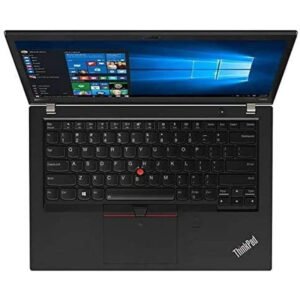 Business Laptops, Lenovo Thinkpad, Office and Student
Lenovo ThinkPad T480s Core i7 8th 16GB 256GB
Business Laptops, Lenovo Thinkpad, Office and StudentLenovo ThinkPad T480s Core i7 8th 16GB 256GB
Brand and Model Lenovo Thinkpad T480s CPU model Intel Core i7 8th Gen Installed RAM memory size 16GB DDR4 Graphics card description 2GB Nvidia graphics Hard disk size 256 GB SSD Nvme Screen size 14.1 Inches Full HD Colour Black SKU: n/a
There are no reviews yet.