







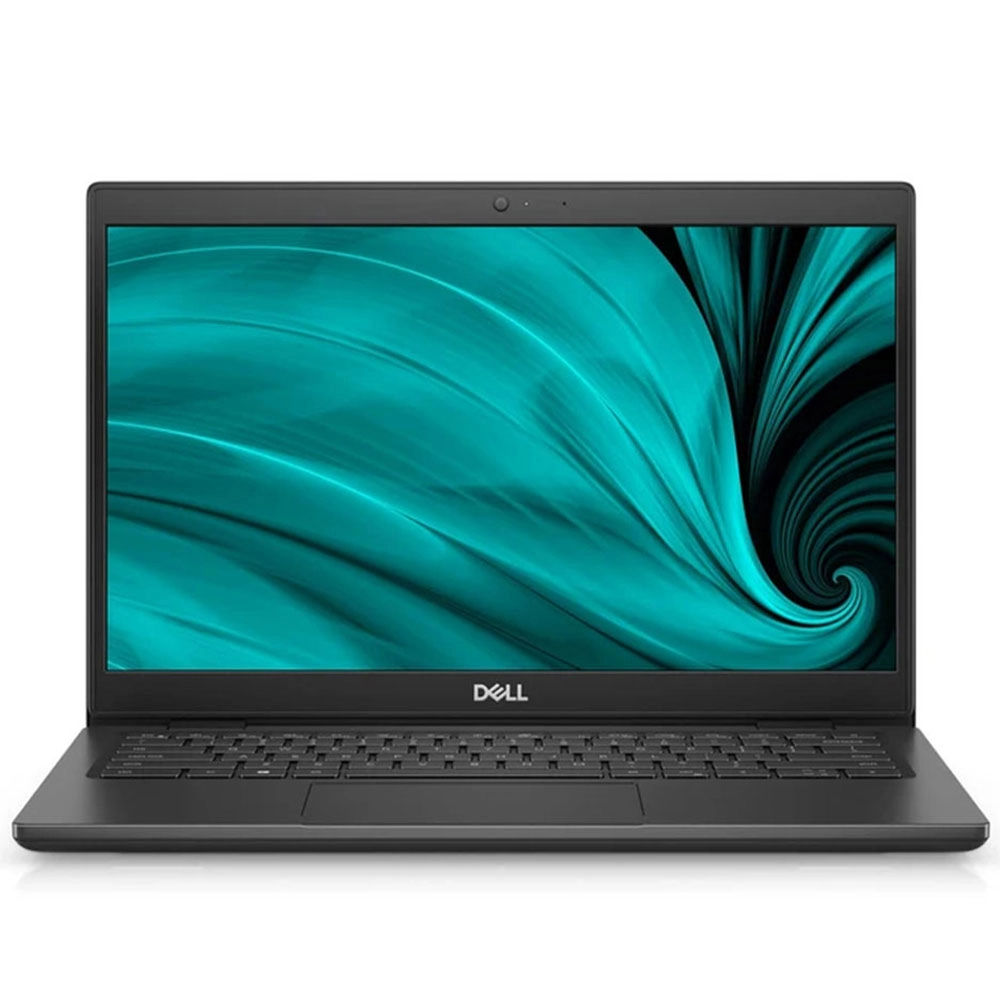
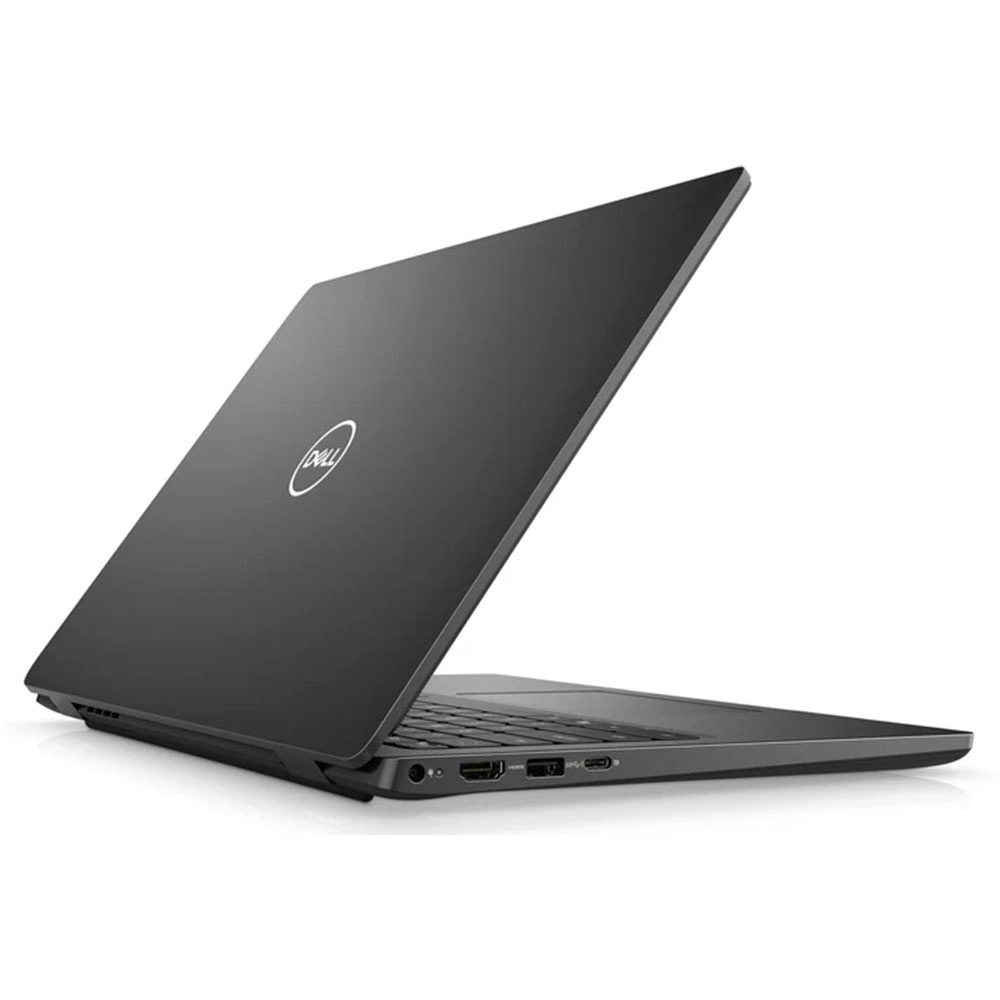
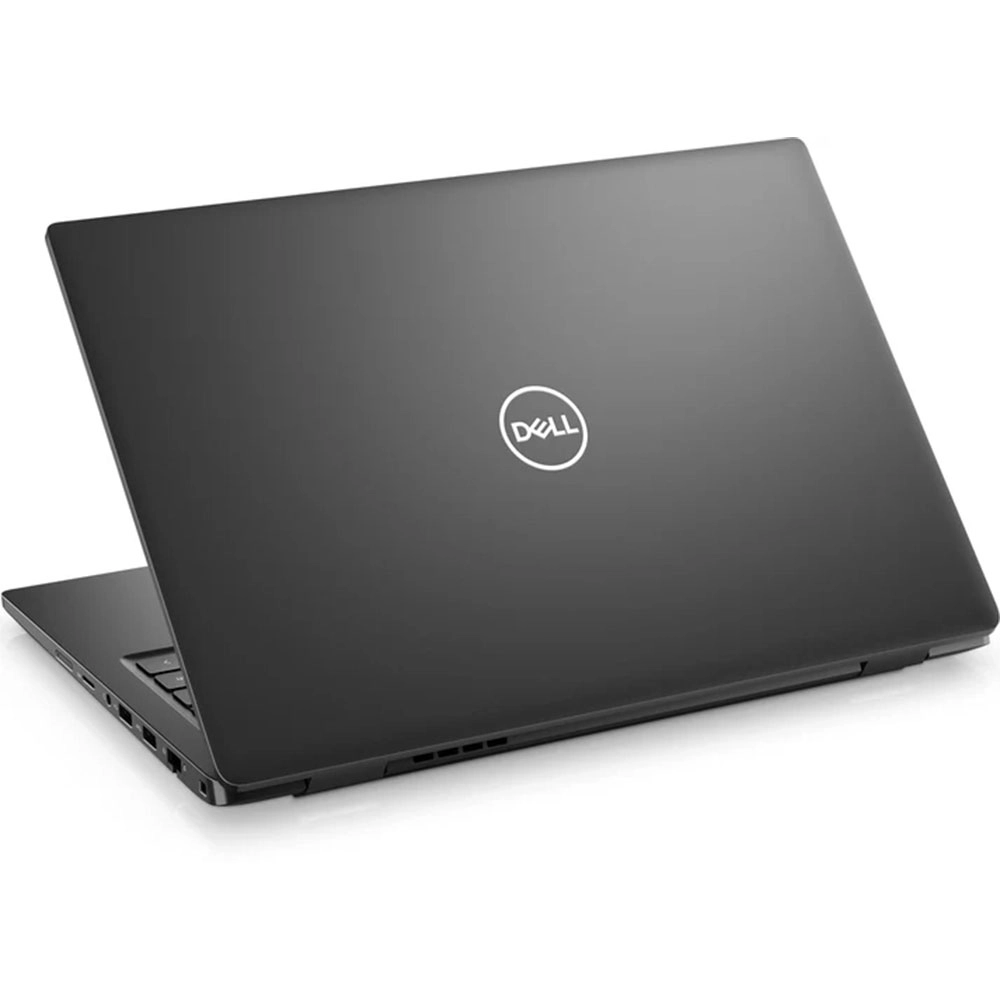
Dell Latitude 3430 | Intel Core i7 12th Gen | 16GB RAM | 256 SSD | 14″ | Renewed

| Brand and Model | Dell Latitude 3430 |
|---|---|
| CPU model | Intel Core i7 12th Gen |
| Installed RAM memory size | 16GB |
| Graphics card description | Intel Iris Xe Graphics |
| Hard disk size | 256GB SSD |
| Screen size | 14 Inches |
| Colour | Grey |
| Condition | Renewed |
1,000 AED 1,300 AED
Dell Latitude 3430 Laptop
The Dell Latitude 3430 is a business laptop designed for everyday office work, remote meetings and mobile productivity. This configuration pairs a 12th Generation Intel Core i7 processor with 16GB of RAM and a 256GB SSD, giving users a practical setup for multitasking and routine professional tasks. Its 14-inch display keeps the workspace portable, while the Latitude 3000 Series focuses on essential business features rather than premium extras.
Dell Latitude 3430 Specifications
| Specification | Details |
|---|---|
| Brand | Dell |
| Model | Latitude 3430 |
| Series | Dell Latitude 3000 Series |
| Processor | Intel Core i7 12th Gen (exact processor model not specified) |
| RAM | 16GB |
| Storage | 256GB SSD |
| Graphics | Integrated Intel graphics; exact GPU depends on configuration |
| Display Size | 14 inch |
| Operating System | Depends on the installed configuration |
12th Gen Core i7 for Everyday Business Performance
The Latitude 3430 uses a 12th Generation Intel Core i7 processor. Dell offered this model with the Core i7-1255U, but the supplied specification does not confirm that exact chip. Therefore, the listing identifies the processor by generation and family rather than assigning an unverified SKU.
This processor class suits common workplace tasks such as document editing, spreadsheets, web-based applications and video calls. It also supports switching between several everyday applications without making the laptop feel limited to single-task use.
16GB RAM for Smoother Multitasking
With 16GB of RAM, this configuration gives users room to keep multiple work applications open. For example, users can move between browser tabs, office documents, messaging tools and online meetings with less need to close programs to free memory.
Dell’s Latitude 3430 platform uses DDR4 memory and has two memory slots. The installed 16GB arrangement can vary, so confirm the exact memory layout if future upgrades are important.
256GB SSD for Essential Files and Applications
The 256GB SSD provides storage for the operating system, work software and frequently used files. It also helps the laptop start up and open applications more responsively than a traditional hard drive.
However, 256GB may feel limited for users who keep large media libraries or extensive project files on the device. In that case, external storage or a cloud-based file system can help manage space.
14-Inch Display for a Practical Work Setup
The 14-inch screen offers a balance between workspace and portability. Dell offered the Latitude 3430 with different display options, including HD and Full HD panels; touch capability also depends on the specific configuration. The exact panel supplied with this unit is not confirmed by the provided details.
For office documents, web applications and video meetings, the screen size supports a convenient daily setup. Users who regularly work with detailed visuals should check the resolution and panel specifications before relying on them.
Integrated Graphics for Routine Visual Tasks
The Latitude 3430’s 12th Gen Core i7 configurations use integrated Intel graphics. Dell’s documentation lists Intel Iris Xe Graphics for Core i5 and Core i7 options, while Intel UHD Graphics applies to the Core i3 configuration. As a result, “Intel HD” should not be treated as the confirmed GPU name for this Core i7 model.
Integrated graphics are suitable for standard desktop work, video playback and presentations. They are not intended to replace a dedicated graphics card for demanding 3D workloads or modern graphics-intensive games.
Business Connectivity and Security
The Latitude 3430 includes practical connectivity for typical office environments, with ports such as USB, USB-C, HDMI and Ethernet available on the platform. Exact port features can vary by configuration, so check the unit’s physical ports if a specific connection is essential.
Dell also offered business-focused security options, including an optional fingerprint reader and an optional infrared camera for Windows Hello. These features are not guaranteed on every configuration.
Who Is the Dell Latitude 3430 Suitable For?
This configuration is a sensible choice for users who need a straightforward business laptop for:
- Office applications, documents and spreadsheets
- Browser-based business tools and online meetings
- Everyday multitasking with 16GB of RAM
- A portable 14-inch work computer
- Routine presentations and general productivity
It is less suitable for users whose main work involves high-end gaming, advanced 3D design or other graphics-heavy applications. Also, users who need a high-resolution display or a specific security feature should verify that detail on the exact unit.
Strengths and Considerations
The Latitude 3430 combines a 12th Gen Core i7 platform, 16GB of RAM and SSD storage in a practical business-oriented design. Its 14-inch size supports mobility, while its available business features make it useful for standard workplace setups.
There are a few configuration details to confirm, however. The exact Core i7 model, graphics designation, display panel, operating system and optional security features may differ between units. In addition, 256GB of storage may require careful file management for users with larger workloads.
Final Verdict
The Dell Latitude 3430 with a 12th Gen Core i7 processor, 16GB RAM and 256GB SSD is a practical business laptop for daily productivity. It offers a useful balance of processing capability, multitasking memory and portable screen size. Before publishing or purchasing this specific configuration, confirm the exact processor, graphics, display and operating system so the listing reflects the individual unit accurately.
| Brand | |
|---|---|
| Model | Latitude 3430 |
| Processor | |
| RAM | |
| Storage | |
| Graphics | |
| Screen Size | |
| Camera | Integrated Camera |
| Color | |
| Keyboard | Backlit Keyboard |
| Operating System | Windows 11 Pro |
| Condition | Used-Excellent (Fully Tested) |
| Battery | |
| Weight | 1.53 kg |
| Warranty | 3 Months |
Based on 0 reviews
Only logged in customers who have purchased this product may leave a review.
Related products
-
Business Laptops, Office and Student, Ultrabook and X360
HP EliteBook 1040 G8 2-in-1 | Intel Core i7-1165G7 | 16GB RAM | 512GB SSD
-9% Business Laptops, Office and Student, Ultrabook and X360
HP EliteBook 1040 G8 2-in-1 | Intel Core i7-1165G7 | 16GB RAM | 512GB SSD
Business Laptops, Office and Student, Ultrabook and X360HP EliteBook 1040 G8 2-in-1 | Intel Core i7-1165G7 | 16GB RAM | 512GB SSD
Brand and Model HP Elitebook 1040 X360 G8 CPU model Intel Core i7-1165G7 Installed RAM memory size 16GB DDR4 Graphics card description Intel Iris X Hard disk size 512 GB SSD Nvme Screen size 14.1 Inches Full HD Colour Silver SKU: HP70184 -
Business Laptops, Gaming Laptops, Office and Student, Tablet and Detachable
Surface Book 2 with Core i7-8th | 16GB 512GB
-13%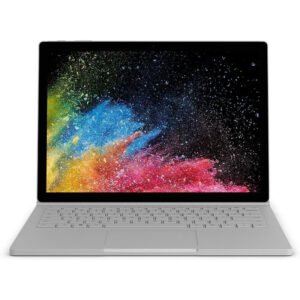 Business Laptops, Gaming Laptops, Office and Student, Tablet and Detachable
Surface Book 2 with Core i7-8th | 16GB 512GB
Business Laptops, Gaming Laptops, Office and Student, Tablet and DetachableSurface Book 2 with Core i7-8th | 16GB 512GB
“>ss=”a-span3″ role=”presentation”>Graphics card description“presentation”>6GB Graphics (NVIDIA)
&am p;lt
;sp
an class=”a-size-base a-text-bold”>Brand and Model lass=”a-size-
base po-bre
ak-word”>Microsoft Surface Book 2&amp;amp;lt;/strong>e=”presentation”><strong>CPU model<strong>Intel Core i7-8thInstalled RAM memory size</span>16GB DDR4s=”a-span3″>e=”presentation”>Hard disk size<strong><span class=”a-size-base po-break-word”>512GB SSD NvmeScreen size</strong>
15.6 Inches Full HDColourSilver
SKU: Su70148 -
Business Laptops, HP Elitebook, Office and Student
HP EliteBook 840 G3 Laptop–Intel Core i7-6th Gen | 8GB RAM | 256GB SSD | 14 Inch Display | Windows 10 Home
-3%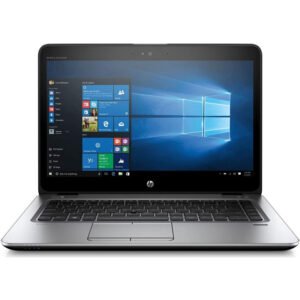 Business Laptops, HP Elitebook, Office and Student
HP EliteBook 840 G3 Laptop–Intel Core i7-6th Gen | 8GB RAM | 256GB SSD | 14 Inch Display | Windows 10 Home
Business Laptops, HP Elitebook, Office and StudentHP EliteBook 840 G3 Laptop–Intel Core i7-6th Gen | 8GB RAM | 256GB SSD | 14 Inch Display | Windows 10 Home
SKU: n/a -
Business Laptops, HP Elitebook, Office and Student
HP EliteBook 840 G7 – Intel Core i5-10th Gen | 8GB RAM | 256GB SSD | 14 inch Display | Windows 10 Pro
-4%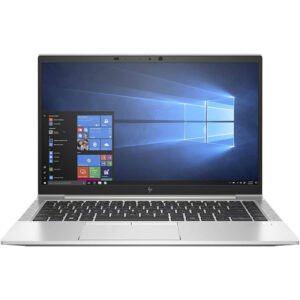 Business Laptops, HP Elitebook, Office and Student
HP EliteBook 840 G7 – Intel Core i5-10th Gen | 8GB RAM | 256GB SSD | 14 inch Display | Windows 10 Pro
Business Laptops, HP Elitebook, Office and StudentHP EliteBook 840 G7 – Intel Core i5-10th Gen | 8GB RAM | 256GB SSD | 14 inch Display | Windows 10 Pro
SKU: n/a
There are no reviews yet.