







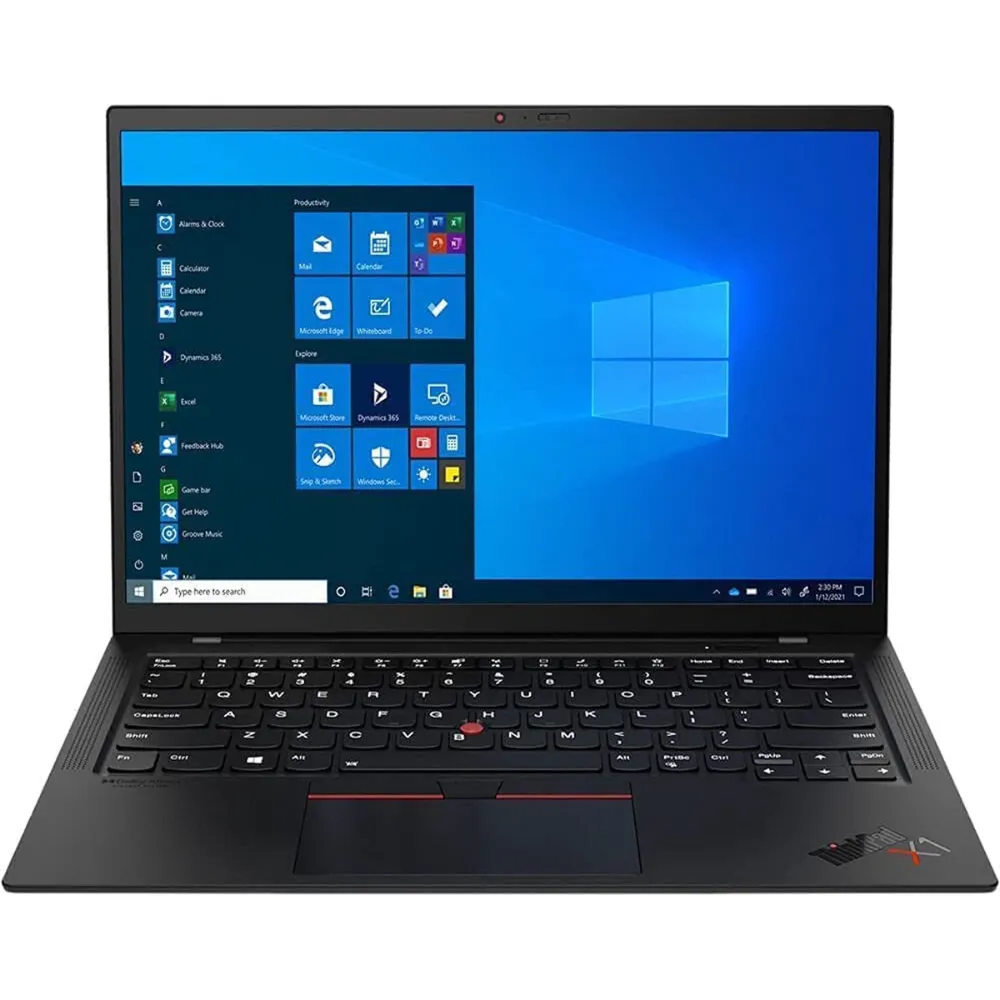
Lenovo ThinkPad X1 Carbon Gen 8 – Core i5, 16GB RAM, 256GB SSD

| Brand and Model | Lenovo ThinkPad X1 Carbon Gen 8 |
| CPU Model | 10th Gen Intel Core i5 |
| Installed RAM Memory Size | 16GB |
| Graphics Card Description | Integrated Intel UHD Graphics 8GB |
| Hard Disk Size | 256GB SSD |
| Screen Size | 14 Inches |
| Colour | Black |
1,000 AED 1,200 AED
Overview
The Lenovo Thinkpad X1 Carbon Gen 8 laptop brings business-focused computing into a slim and travel-friendly design. This configuration combines a 10th Generation Intel Core i5 processor with 16GB RAM and a 256GB SSD, giving professionals a practical platform for office applications, communication, research, and everyday multitasking. Lenovo refined the X1 Carbon series for users who move between meetings, workspaces, and business trips. Consequently, this 14-inch laptop offers a useful combination of mobility, familiar ThinkPad controls, and dependable productivity features.
Lenovo Thinkpad X1 Carbon Gen 8 Laptop Specifications
The following table summarizes the advertised configuration. Since Lenovo released several hardware variations, some details depend on the exact machine and product code.
| Specification | Details |
|---|---|
| Brand | Lenovo |
| Model | ThinkPad X1 Carbon Gen 8 |
| Processor | Intel Core i5, 10th Generation |
| Processor Model | Depends on the exact configuration |
| RAM | 16GB LPDDR3 |
| Storage | 256GB SSD |
| Graphics | Integrated Intel UHD Graphics |
| Display Size | 14 inches |
| Display Resolution | Depends on the installed panel |
| Battery | Integrated 51Wh battery |
| Weight | Approximately 1.09 kg, depending on configuration |
| Memory Upgrade | RAM soldered to the motherboard |
| Operating System | Depends on the seller’s configuration |
| Warranty | Depends on the seller |
10th Generation Core i5 for a Modern Business Routine
The processor gives this X1 Carbon configuration its everyday computing capability. Lenovo offered the Gen 8 with different 10th Generation Intel Core i5 options, including models such as the Core i5-10210U and Core i5-10310U. Both belong to Intel’s low-power mobile processor family, although their specifications and business features differ. Therefore, buyers should confirm the exact CPU model rather than relying on the general Core i5 label alone.
For common workloads, this processor family can handle spreadsheets, presentations, browser-based platforms, email, and office software. Moreover, its multi-core design helps users switch between several applications during a typical work session. This makes the laptop a sensible option for administrative tasks, business communication, and general productivity.
However, the X1 Carbon Gen 8 does not target demanding workstation workloads. Users who regularly render complex 3D scenes, process large video projects, or run intensive engineering applications should consider a system with a more powerful processor and dedicated graphics.

A Practical Memory and Storage Configuration
This version pairs 16GB of LPDDR3 memory with a 256GB SSD. The memory capacity gives users room to work with multiple everyday applications, while the solid-state drive provides responsive access to files and software.
For instance, a user can prepare a presentation, review spreadsheets, attend an online meeting, and keep reference pages open without constantly closing applications. In addition, the SSD helps reduce waiting times when opening programs or accessing stored documents.
There is one important upgrade consideration. Lenovo soldered the memory onto the motherboard, so users cannot expand the RAM through a standard memory slot. Consequently, the supplied 16GB capacity should suit the buyer’s expected workload from the start. Meanwhile, users with large media libraries may want to consider a laptop with more storage than the included 256GB.
Intel UHD Graphics for Everyday Display Work
The integrated Intel UHD Graphics solution handles standard visual tasks without adding a separate graphics card to the system. Users can browse the web, play videos, prepare presentations, and work with common office applications. Furthermore, integrated graphics help the laptop maintain its lightweight and compact design.
Nevertheless, this GPU does not provide the performance of a dedicated graphics processor. It may not suit demanding modern games, advanced 3D modeling, or intensive visual production. Instead, it focuses on everyday display output and general multimedia use, which matches the business-oriented purpose of the X1 Carbon.
14-Inch Screen for Focused Mobile Work
The 14-inch display gives the ThinkPad X1 Carbon Gen 8 enough screen space for documents, spreadsheets, video calls, and web-based tools. At the same time, its compact dimensions make the laptop easier to carry than many larger business notebooks.
Lenovo released this generation with several display configurations. Depending on the installed panel, buyers may find different resolutions, brightness levels, and display technologies. Therefore, check the exact screen specification before ordering. In particular, users who frequently work outdoors or spend long hours reviewing detailed content should pay attention to brightness and resolution.
Although a 14-inch screen cannot replace a large desktop monitor for every task, it offers a useful middle ground for professionals who need both workspace and portability. As a result, the laptop can move easily from a desk to a meeting room or a remote working location.
Built for Meetings, Travel, and Daily Mobility
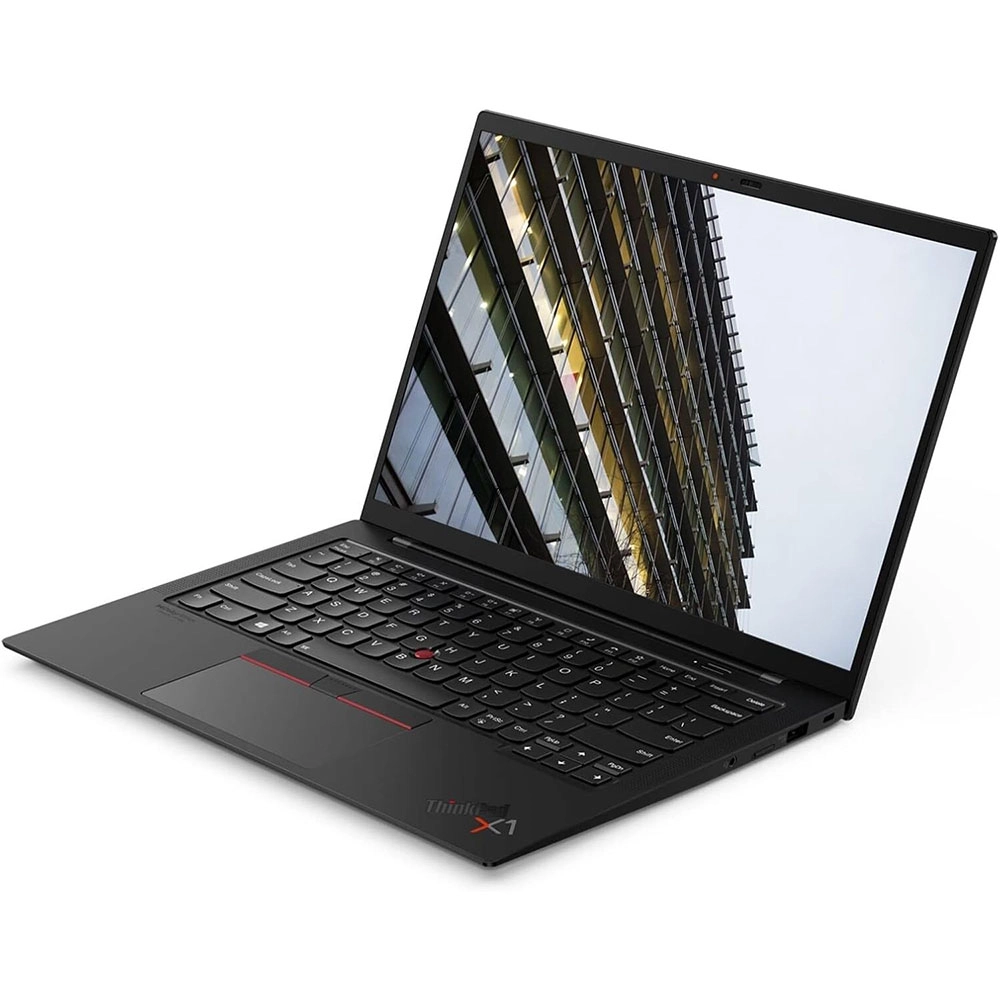
The X1 Carbon Gen 8 continues the series’ emphasis on lightweight business design. Lenovo combines a carbon-fiber-reinforced exterior with a magnesium-based internal structure to create a portable chassis. Its approximate starting weight of 1.09 kg makes it particularly convenient for people who carry a laptop throughout the day.
Beyond portability, the ThinkPad keyboard provides a familiar typing experience for long documents and regular office work. The TrackPoint also gives users an alternative pointer control method. Additionally, selected configurations include a fingerprint reader and ThinkShutter camera cover. These features can improve convenience and privacy, although their availability depends on the exact configuration.
For professionals who frequently join online meetings, the laptop’s compact design and built-in communication hardware can support a flexible working routine. However, buyers should test the webcam, microphone, speakers, and wireless connectivity on the individual device before purchase.
Ports and Connections for Business Accessories
The Lenovo ThinkPad X1 Carbon Gen 8 offers a useful selection of connections for common office equipment. Depending on the configuration, its port selection includes USB-A, USB-C with Thunderbolt 3 support, HDMI, and a 3.5mm audio jack.
These connections allow users to work with external monitors, storage devices, headphones, and compatible docking accessories. Moreover, Thunderbolt 3 provides additional connectivity options for supported peripherals. This can be especially useful for professionals who regularly connect their laptop to a desk setup.
Before buying a used or refurbished unit, inspect each connector and test it with a compatible accessory. A quick port check can help identify wear or connection problems before the purchase.
Who Is the Lenovo Thinkpad X1 Carbon Gen 8 Laptop For?
The Lenovo Thinkpad X1 Carbon Gen 8 laptop suits professionals, office employees, managers, students, and frequent travelers who need a compact computer for everyday work. Its 10th Generation Core i5 processor and 16GB RAM provide a useful foundation for productivity software, online communication, research, and multitasking.
Its lightweight construction also makes it attractive to users who work in different locations throughout the week. Meanwhile, the 256GB SSD provides space for essential software and documents. However, users who need extensive storage or advanced graphics capabilities should compare other configurations before choosing this model.
Explore more devices through the Lenovo brand collection on IDITA. You can also compare related models in the Lenovo ThinkPad category or browse the wider business laptop collection.
What to Inspect Before Ordering
The exact condition matters just as much as the advertised specifications, especially when buying an older business laptop. First, verify the processor model and confirm that the device contains 16GB RAM and a 256GB SSD. Next, compare the installed display with the seller’s description.
Also, examine the battery condition, keyboard, TrackPoint, touchpad, webcam, speakers, and ports. If possible, test the charger and wireless connections as well. Finally, ask the seller about the operating system, warranty, included accessories, and any signs of previous repairs.
These checks help buyers distinguish between different configurations and make a more informed decision. In particular, battery health and screen condition deserve attention because they can strongly affect the everyday experience of an older laptop.
Conclusion
The Lenovo Thinkpad X1 Carbon Gen 8 laptop combines a 10th Generation Intel Core i5 processor, 16GB RAM, 256GB SSD storage, and a portable 14-inch form factor. This hardware makes it a practical choice for office applications, business communication, study, and everyday multitasking. Furthermore, its lightweight construction, ThinkPad keyboard, and versatile connectivity support mobile productivity. However, buyers should verify the exact processor, display panel, battery health, and device condition before ordering. For users who value portability and business-focused features over dedicated graphics performance, this X1 Carbon configuration deserves consideration.
Frequently Asked Questions
1. Which processor does the Lenovo ThinkPad X1 Carbon Gen 8 use?
This configuration features an Intel Core i5 processor from the 10th Generation. Lenovo offered several CPU options, including the Core i5-10210U and Core i5-10310U. Check the exact processor model on the individual device before purchasing.
2. Can users upgrade the 16GB RAM?
No. Lenovo soldered the LPDDR3 memory onto the motherboard. Therefore, users cannot upgrade the RAM through a standard removable memory module.
3. How much storage does this configuration provide?
This version includes a 256GB SSD. It provides space for the operating system, productivity software, documents, and everyday files.
4. Does the ThinkPad X1 Carbon Gen 8 have a dedicated graphics card?
No. This configuration uses integrated Intel UHD Graphics. It supports everyday visual tasks and multimedia playback, but demanding gaming and professional 3D workloads require more powerful graphics hardware.
5. What makes the X1 Carbon Gen 8 suitable for travel?
Its lightweight construction, compact 14-inch display, and business-focused design make it convenient for commuting and business trips. However, buyers should check the battery’s current condition to understand its expected runtime.
| Brand | |
|---|---|
| Model | ThinkPad X1 Carbon Gen 8 |
| Processor | |
| RAM | |
| Storage | |
| Graphics | |
| Screen Size | |
| Battery | |
| Weight | 1.09 kg |
| Camera | Integrated Camera |
| Color | |
| Condition | Used-Excellent (Fully Tested) |
| Keyboard | US-English |
| Operating System | Window 10 Pro |
| Warranty | 3 Months |
Based on 0 reviews
Only logged in customers who have purchased this product may leave a review.
Related products
-
Business Laptops, HP Elitebook, HP Elitebook 800 Series, Office and Student
HP EliteBook 840 G11 14 Inch Laptop – Intel Core Ultra 7 155U | 16GB RAM | 256GB SSD | Intel Graphics | Windows 11 Pro
-14% Business Laptops, HP Elitebook, HP Elitebook 800 Series, Office and Student
HP EliteBook 840 G11 14 Inch Laptop – Intel Core Ultra 7 155U | 16GB RAM | 256GB SSD | Intel Graphics | Windows 11 Pro
Business Laptops, HP Elitebook, HP Elitebook 800 Series, Office and StudentHP EliteBook 840 G11 14 Inch Laptop – Intel Core Ultra 7 155U | 16GB RAM | 256GB SSD | Intel Graphics | Windows 11 Pro
SKU: n/a -
Gaming Laptops, HP Victus Series
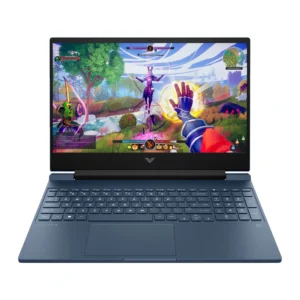
Victus Gaming 16 by HP Core i7-13th | 16GB 1TB 6GB Graphics
Gaming Laptops, HP Victus SeriesVictus Gaming 16 by HP Core i7-13th | 16GB 1TB 6GB Graphics
ass=”a-spacing-small po-hard_disk.size” role=”listitem”>Hard disk size</strong>
Brand and Model HP Victus Gaming 16 CPU model <span class=”a-size-base po-break-word”>Intel Core i7-13th Gen Installed RAM memory size 16GB DDR4 Graphics card description</strong> 6GB Nvidia Graphics lass=”a-span9″ role=”presentation”>1TB SSD Nvme Screen size 16 Inches Full HD ole=”presentation”>Colour Blue SKU: HP70108 -
Business Laptops, HP Elitebook, HP Elitebook 800 Series
HP EliteBook 865 G9 | Ryzen 5 PRO 6650U | 16GB RAM | 256GB SSD |16″ | Renewed
-7% Business Laptops, HP Elitebook, HP Elitebook 800 Series
HP EliteBook 865 G9 | Ryzen 5 PRO 6650U | 16GB RAM | 256GB SSD |16″ | Renewed
Business Laptops, HP Elitebook, HP Elitebook 800 SeriesHP EliteBook 865 G9 | Ryzen 5 PRO 6650U | 16GB RAM | 256GB SSD |16″ | Renewed
Brand & Model HP EliteBook 865 G9 Processor AMD Ryzen 5 PRO 6650U Memory (RAM) 16GB DDR5-4800 Graphics AMD Radeon 660M Integrated Graphics Storage 256GB PCIe NVMe SSD Display 16 ” (WUXGA 1920 × 1200) Color Silver Condition Renewed SKU: n/a -
Dell Alienware Series, Gaming Laptops
Dell Alienware m16 R1 Core i9-13900HX 32GB 1TB 8GB RTX 4060
-10%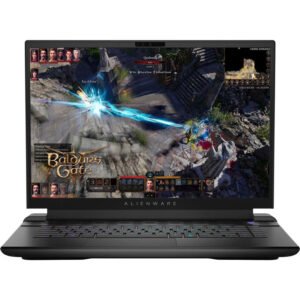 Dell Alienware Series, Gaming Laptops
Dell Alienware m16 R1 Core i9-13900HX 32GB 1TB 8GB RTX 4060
Dell Alienware Series, Gaming LaptopsDell Alienware m16 R1 Core i9-13900HX 32GB 1TB 8GB RTX 4060
Brand and Model Dell Alienware M16-R1 CPU model Intel Core i9-13900HX Installed RAM memory size 32 GB DDR4 Graphics card description NVIDIA RTX 4060 8GB Hard disk size 1TB SSD Nvme Screen size 16.1 Inches Full HD Colour Black SKU: Alienware01
There are no reviews yet.