








HP ZBook 8 G1i 16 Ultra 7 265U | 16GB 512GB

| Specification | Details |
|---|---|
| Brand and Model | HP ZBook 8 G1i 16 |
| CPU model | Intel Core Ultra 7 265U |
| Installed RAM memory size | 16GB DDR5 |
| Graphics card description | Integrated Intel Graphics |
| Hard disk size | 512GB PCIe NVMe SSD |
| Screen size | 16 Inches |
| Colour | Meteor Silver |
3,200 AED 3,700 AED
HP ZBook 8 G1i 16 Ultra 7 265U – Professional Productivity Workstation
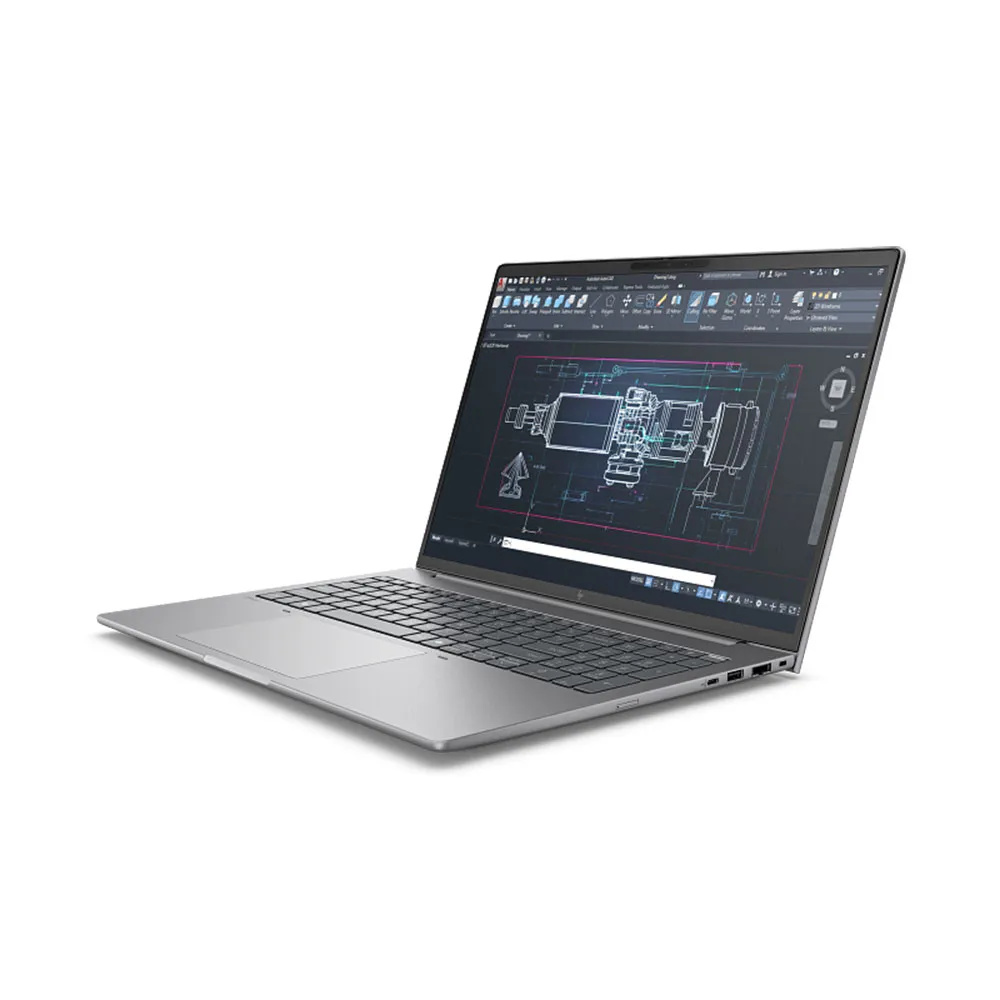
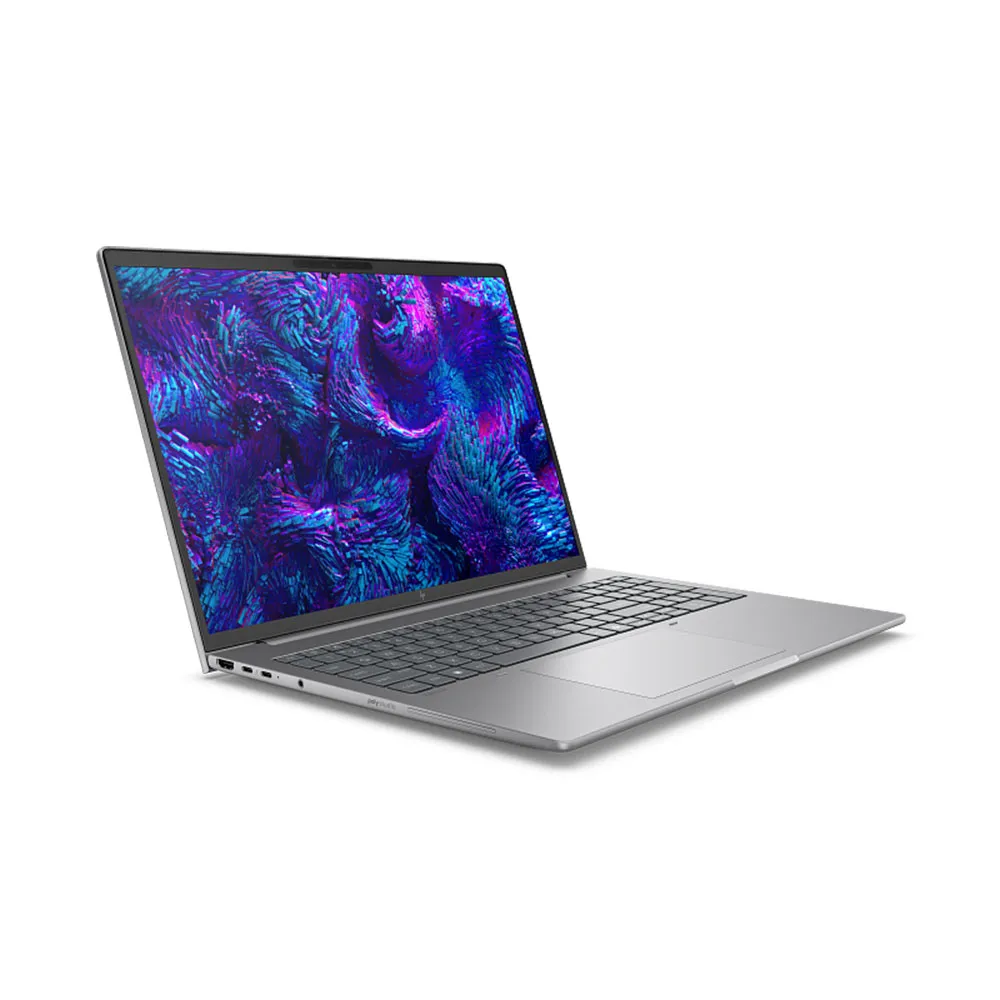
The HP ZBook 8 G1i 16 Ultra 7 265U takes a different approach to mobile workstation computing. Instead of pairing the platform with a dedicated NVIDIA GPU, this configuration focuses on efficient CPU performance, expandable DDR5 memory, fast NVMe storage, and a spacious 16-inch workspace. It targets professionals who need a serious business laptop for development, research, office work, and technical productivity without relying on workstation-class GPU acceleration.
The system pairs an Intel Core Ultra 7 265U processor with 16GB DDR5 RAM and a 512GB PCIe NVMe SSD. It also includes integrated Intel Graphics and supports up to 64GB of memory through two SODIMM slots.
HP ZBook 8 G1i 16: Key Specifications
| Specification | Details |
|---|---|
| Brand | HP |
| Series | HP ZBook 8 G1i |
| Model | HP ZBook 8 G1i 16 |
| Processor | Intel Core Ultra 7 265U |
| CPU | 12 cores / 14 threads |
| Maximum Turbo | Up to 5.3 GHz |
| Cache | 12MB L3 |
| NPU | Intel AI Boost, up to 12 NPU TOPS |
| Memory | 16GB DDR5 |
| Memory Slots | 2 SODIMM |
| Maximum Memory | Up to 64GB, depending on configuration |
| Storage | 512GB PCIe NVMe SSD |
| Graphics | Integrated Intel Graphics |
| Dedicated GPU | Not included |
| Display | 16-inch |
| Resolution | WUXGA 1920 × 1200, depending on panel |
| Display Options | IPS/UWVA options vary |
| Wireless | Varies by regional configuration |
| Operating System | Configuration-dependent |
| Starting Weight | Around 1.72kg, depending on configuration |
A Workstation Built Around Productivity
The main strength of this configuration lies in how its components work together for professional computing. The Core Ultra 7 265U provides a strong CPU platform, while 16GB of DDR5 memory covers common office and development workloads.
The 16-inch format also changes the way you can use the laptop. More screen space helps when you place documents beside a browser, keep code open next to a development tool, or work across several business applications.
This makes the ZBook 8 G1i 16 more relevant to professional productivity than to GPU-focused workstation tasks.
Intel Core Ultra 7 265U: Efficiency Meets Professional Computing
The Intel Core Ultra 7 265U features 12 cores and 14 threads. It can reach up to 5.3GHz and carries 12MB of L3 cache. Intel AI Boost also provides up to 12 NPU TOPS for supported AI-assisted workloads.
In practical use, this processor fits tasks such as:
- Office and business applications
- Web-based professional platforms
- Software development
- Research and documentation
- Communication and collaboration
- General multitasking
- Technical and administrative workloads
The 265U also deserves a clear distinction from the Core Ultra 7 265H. The H-series processor uses a different, higher-power configuration with 16 cores and 24MB of cache. The 265U instead emphasizes efficiency while still providing substantial CPU capability.
That distinction matters when choosing between ZBook configurations. Users who need sustained GPU or high-power workstation performance should look beyond this particular setup.
16GB DDR5 with Room to Grow
HP equips this configuration with 16GB of DDR5 memory. That capacity provides a practical starting point for productivity software, development environments, research, browsing, and everyday professional multitasking.
More importantly, the platform provides two SODIMM slots and supports memory configurations up to 64GB, depending on the exact configuration.
This upgrade path gives the laptop a useful advantage for long-term ownership. Users who later move into heavier development environments, larger datasets, or virtual machines can consider expanding the memory.
For demanding engineering projects or extensive virtualization, however, 32GB or more would provide more headroom.
512GB PCIe NVMe SSD
The included 512GB PCIe NVMe SSD provides a responsive storage base for Windows, applications, documents, development projects, and everyday files.
For business and general professional use, 512GB offers a sensible starting capacity. It can also reduce the need to manage storage constantly when compared with smaller drives.
Large engineering archives, video libraries, virtual machines, and extensive datasets present a different requirement. Those users may eventually need additional storage or a higher-capacity internal drive.
Integrated Intel Graphics: Know the Configuration
One of the most important details about this model is its graphics configuration.
This version uses integrated Intel Graphics and does not include a dedicated NVIDIA GPU. HP also offers ZBook 8 G1i configurations with an RTX 500 Ada Laptop GPU, but that belongs to a different configuration.
That difference directly affects the recommended workload.
The integrated graphics solution works well for office applications, programming, browser-based work, media use, and other CPU-focused professional tasks. It does not target demanding 3D rendering, advanced GPU-based CAD, or intensive GPU computing.
Therefore, users shopping specifically for NVIDIA RTX acceleration should select a dedicated-GPU ZBook configuration instead.
16-Inch Display for Multi-Window Work
The 16-inch display gives this ZBook a generous working area. The platform supports several display configurations, including WUXGA 1920 × 1200 and higher-resolution 2.5K options.
For this particular product, the exact panel deserves attention because HP offers different screen specifications across ZBook configurations.
Listed options include WUXGA panels with different brightness and color coverage. HP also lists a 2.5K 120Hz option with wide Adobe RGB and DCI-P3 coverage.
As a result, creative professionals should verify the exact regional SKU and panel specification before choosing the laptop for color-sensitive work.
Connectivity for Modern Professional Setups
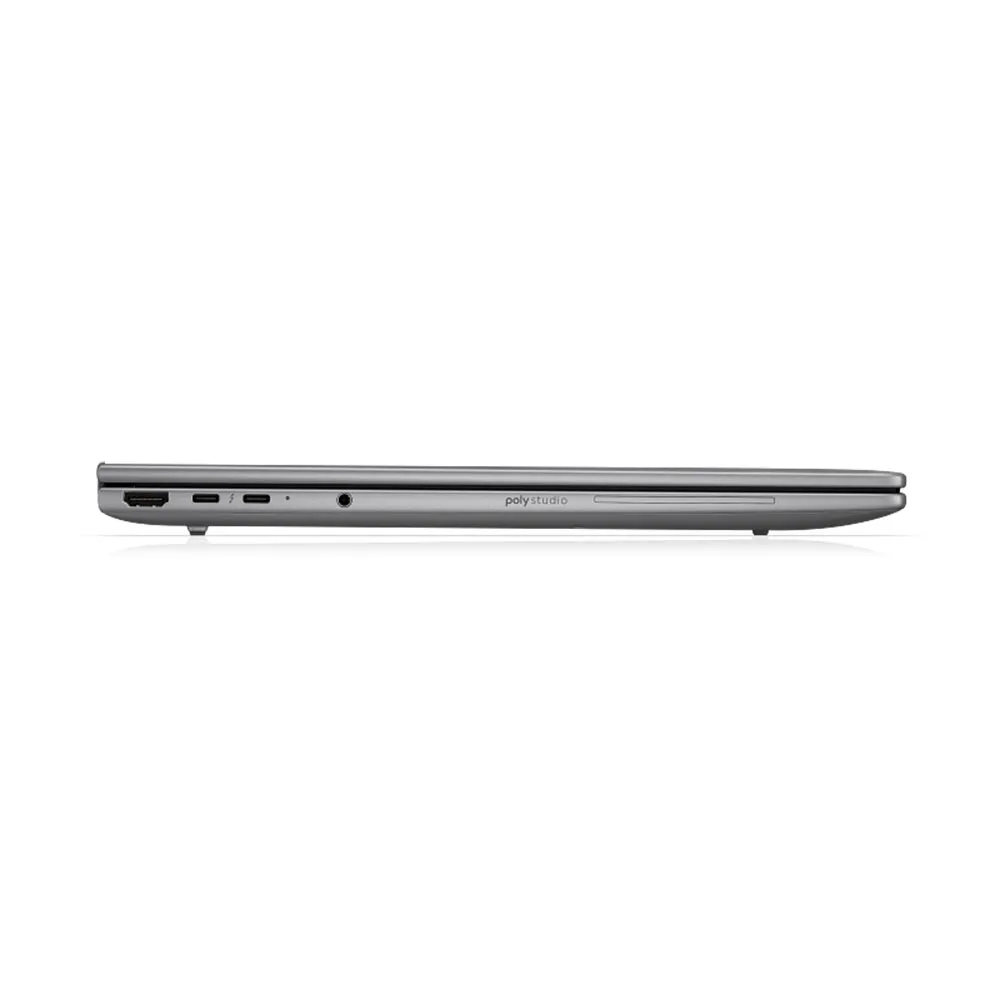
The ZBook 8 G1i platform supports a range of modern connectivity options. Depending on the configuration, HP lists Thunderbolt 4, USB Type-C, USB Type-A, HDMI 2.1, Ethernet, and wireless connectivity.
External display support can also improve productivity in desk-based environments. A professional who regularly works with multiple applications can use the laptop as part of a larger workstation setup.
The platform also includes professional-oriented features such as a backlit keyboard. These details help position the ZBook as a business-focused mobile computer rather than a conventional consumer laptop.
What Can You Expect in Real Workloads?
Office and Business Work
This configuration has a clear advantage for business productivity. The Core Ultra 7 265U, 16GB RAM, 512GB SSD, and large display provide a balanced foundation for documents, spreadsheets, communication, browser applications, and business platforms.
Programming
Developers can take advantage of the processor and expandable memory architecture. The 16GB starting configuration handles many development workflows, while the two SODIMM slots provide an upgrade route for more demanding environments.
Research and Technical Work
Researchers and technical professionals can benefit from the CPU-focused design and large display. The system can handle documentation, browser research, data-related applications, and general technical workflows.
Creative Work
Basic photo editing and general content creation can fit this configuration. However, professional video production and complex 3D workloads place greater demands on the GPU.
Since this model lacks a dedicated NVIDIA GPU, users with GPU-heavy creative applications should consider another ZBook configuration.
CAD and 3D
This is not the strongest configuration for professional CAD or 3D work. CPU-based technical applications can run within the system’s capabilities, but demanding GPU acceleration requires a dedicated graphics solution.
Advantages and Limitations
Advantages
- Intel Core Ultra 7 265U with up to 5.3GHz Turbo
- 12 cores and 14 threads
- Intel AI Boost with up to 12 NPU TOPS
- 16GB DDR5 memory
- Two SODIMM slots
- Platform support for up to 64GB RAM
- 512GB PCIe NVMe SSD
- Large 16-inch workspace
- Professional ZBook platform
- Modern connectivity options
- Strong fit for business, development, research, and productivity
Limitations
- No dedicated NVIDIA GPU in this configuration
- 16GB RAM may limit heavier multitasking
- 512GB storage can become restrictive for large project libraries
- Exact display specifications vary by configuration
- Not the right choice for demanding GPU-based 3D, rendering, or advanced CAD workflows
Who Should Choose the HP ZBook 8 G1i 16 Ultra 7 265U?
This configuration makes the most sense for users who value CPU-based professional performance and upgradeability over dedicated graphics.
It is a strong match for:
- Business professionals
- Office users
- Software developers
- IT professionals
- Researchers
- Technical students
- Professionals who prefer a 16-inch workspace
- Users who want a ZBook platform without a dedicated GPU
A different configuration would make more sense for users who need serious 3D rendering, professional GPU acceleration, advanced CAD visualization, or GPU-intensive AI workloads.
Final Verdict
The HP ZBook 8 G1i 16 Ultra 7 265U is best understood as a productivity-focused member of the ZBook family.
Its Core Ultra 7 265U delivers a capable CPU platform, while 16GB DDR5 memory and two SODIMM slots give the system useful upgrade flexibility. The 512GB NVMe SSD keeps everyday storage responsive, and the 16-inch format creates a comfortable workspace for professional applications.
The biggest point to remember is the graphics configuration. This model uses integrated Intel Graphics, not a dedicated NVIDIA RTX GPU. That makes it a sensible choice for business, programming, research, and general professional workloads, but a weaker fit for GPU-intensive workstation applications.
Before ordering, verify the exact regional SKU, display panel, operating system, and included configuration because the ZBook 8 G1i 16 platform has multiple hardware variants.
Frequently Asked Questions
Is the HP ZBook 8 G1i 16 Ultra 7 265U good for business use?
Yes. Its Core Ultra 7 265U processor, 16GB DDR5 memory, 512GB SSD, and 16-inch display create a solid platform for office applications, communication, programming, and professional multitasking.
Does this HP ZBook have an NVIDIA RTX GPU?
No. This specific configuration uses integrated Intel Graphics. HP also offers separate ZBook 8 G1i configurations with an NVIDIA RTX 500 Ada Laptop GPU.
Can the RAM be upgraded?
Yes. The platform provides two SODIMM slots and supports memory configurations up to 64GB, depending on the exact configuration.
Is 512GB enough for professional work?
It can be enough for office work, programming, documents, and general professional use. Users with large video collections, engineering archives, virtual machines, or extensive datasets may need additional storage.
What graphics does the Core Ultra 7 265U configuration use?
This configuration uses integrated Intel Graphics. It does not include the dedicated NVIDIA GPU available on other ZBook 8 G1i configurations.
| Brand | |
|---|---|
| Model | HP Zbook 8 G1i 16 |
| Processor | |
| RAM | |
| Storage | |
| Graphics | |
| Screen Size | |
| Camera | Integrated Camera |
| Color | |
| Keyboard | US-English |
| Operating System | Windows 11 Pro |
| Condition | Used-Excellent (Fully Tested) |
| Battery | |
| Weight | 1.75 kg |
| Warranty | 3 Months |
Based on 0 reviews
Only logged in customers who have purchased this product may leave a review.
Related products
-
Dell Precision 5000 Series, Dell Precision Series, Workstation Laptops
Dell Precision 5550 | Intel Core i7-10750H | 32GB RAM | 512GB SSD | NVIDIA Quadro T2000 4GB | 15 inch | Renewed
-8%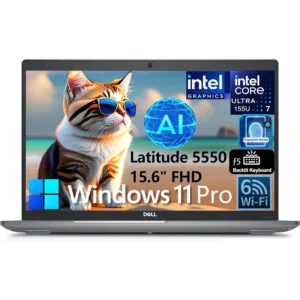 Dell Precision 5000 Series, Dell Precision Series, Workstation Laptops
Dell Precision 5550 | Intel Core i7-10750H | 32GB RAM | 512GB SSD | NVIDIA Quadro T2000 4GB | 15 inch | Renewed
Dell Precision 5000 Series, Dell Precision Series, Workstation LaptopsDell Precision 5550 | Intel Core i7-10750H | 32GB RAM | 512GB SSD | NVIDIA Quadro T2000 4GB | 15 inch | Renewed
Brand & Model Dell Precision 5550 Processor Intel Core i7-10750H (10th Generation, 6 Cores, 12 Threads, Up to 5.00GHz) Memory (RAM) 32GB DDR4 2933MHz Storage 512GB M.2 PCIe NVMe SSD Graphic Card NVIDIA Quadro T1000 – 4GB GDDR6 Dedicated Graphics Memory Display 15.6-inch FHD+ (1920 × 1200) Display Color Silver Condition Used SKU: Dell5550 -
Dell Precision Series, Workstation Laptops
Dell Precision 5570 | Intel Core i7-12700H | 32GB RAM | 512GB SSD | NVIDIA RTX A1000 4GB | 15 inch | Renewed
-11%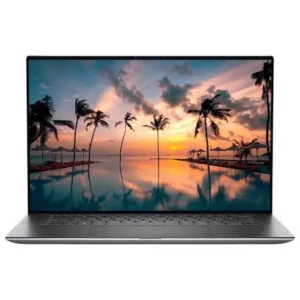 Dell Precision Series, Workstation Laptops
Dell Precision 5570 | Intel Core i7-12700H | 32GB RAM | 512GB SSD | NVIDIA RTX A1000 4GB | 15 inch | Renewed
Dell Precision Series, Workstation LaptopsDell Precision 5570 | Intel Core i7-12700H | 32GB RAM | 512GB SSD | NVIDIA RTX A1000 4GB | 15 inch | Renewed
Brand & Model Dell Precision 5570 Processor Intel Core i7-12700H (12th Generation, 14 Cores, 20 Threads, Up to 4.70GHz) Memory (RAM) 32GB DDR5 4800MHz Storage 512GB M.2 PCIe NVMe SSD Graphic Card NVIDIA RTX A1000 – 4GB GDDR6 Dedicated Graphics Memory Display 15.6-inch FHD+ (1920 × 1200) InfinityEdge Display Color Black Condition Used SKU: n/a -
HP Zbook Firefly, HP Zbook Series, Workstation Laptops
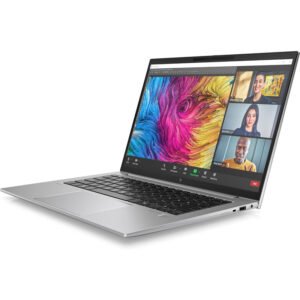
ZBook Firefly 14 G11 with Ultra 5-125H
HP Zbook Firefly, HP Zbook Series, Workstation LaptopsZBook Firefly 14 G11 with Ultra 5-125H
“a-spacing-small po-ram_memory.installed_size” role=”listitem”>
Colour
Brand and Model <strong>HP ZBook Firefly 14 G11 CPU model Intel Ultra 5-125H <strong>Installed RAM memory size 16GB DDR4 s=”a-span3″ role=”presentation”>Graphics card description Intel Iris Graphics Hard disk size 1TB SSD Nvme Screen size 14 Inches Full HD Grey SKU: ZB70130 -
HP Zbook Series, Workstation Laptops
ZBook Power 15 G9 Core i7-12700H | 16GB RAM 1TB SSD 8GB Graphics
-13%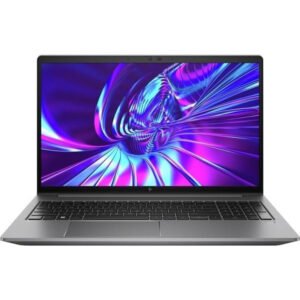 HP Zbook Series, Workstation Laptops
ZBook Power 15 G9 Core i7-12700H | 16GB RAM 1TB SSD 8GB Graphics
HP Zbook Series, Workstation LaptopsZBook Power 15 G9 Core i7-12700H | 16GB RAM 1TB SSD 8GB Graphics
<td class=”a-span3″ role=”presentation”>CPU model<td class=”a-span3″ role=”presentation”>Installed RAM memory size</tr>ong>
15.6 Inches Full HD
<td class=”a-span3″ role=”presentation”>ss=”a-size-base a-text-bold”>Brand and Model ole=”presentation”>HP ZBook Firefly G9role=”listitem”>
“a-normal a-spacing-micro” role=”list” width=”484″>;<span class=”a-size-base po-break-word”>Intel Core i7-12700Hss=”a-spacing-small po-ram_memory.installed_size” role=”listitem”>
<tr class=”a-spacing-small po-hard_disk.size” role=”listitem”>>Hard disk size</strong><strong>1TB SSD Nvme</td>s=”a-span3″ role=”presentation”>ss=”a-size-base a-text-bold”>Screen size</str
<strong></td> 16GB DDR5 Graphics card description NVIDIA RTX 8GB Colour Grey SKU: Zb70129
There are no reviews yet.