







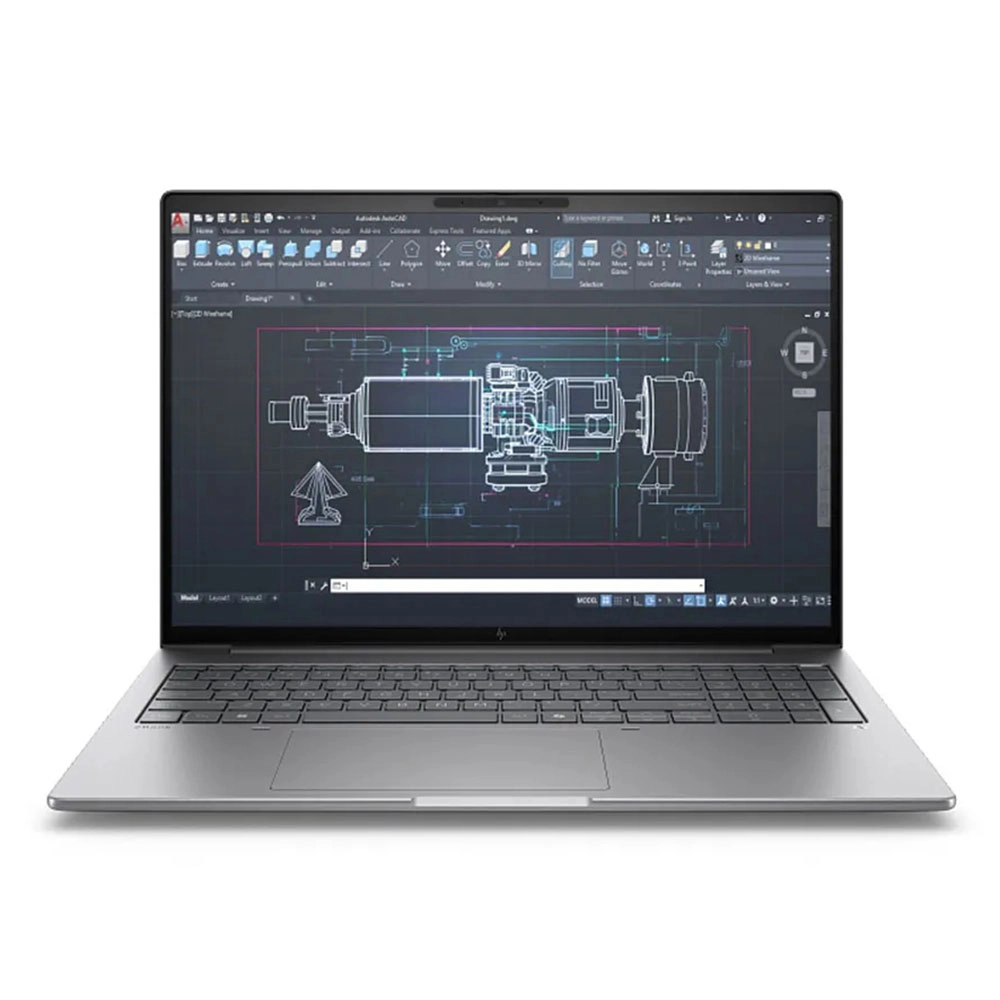

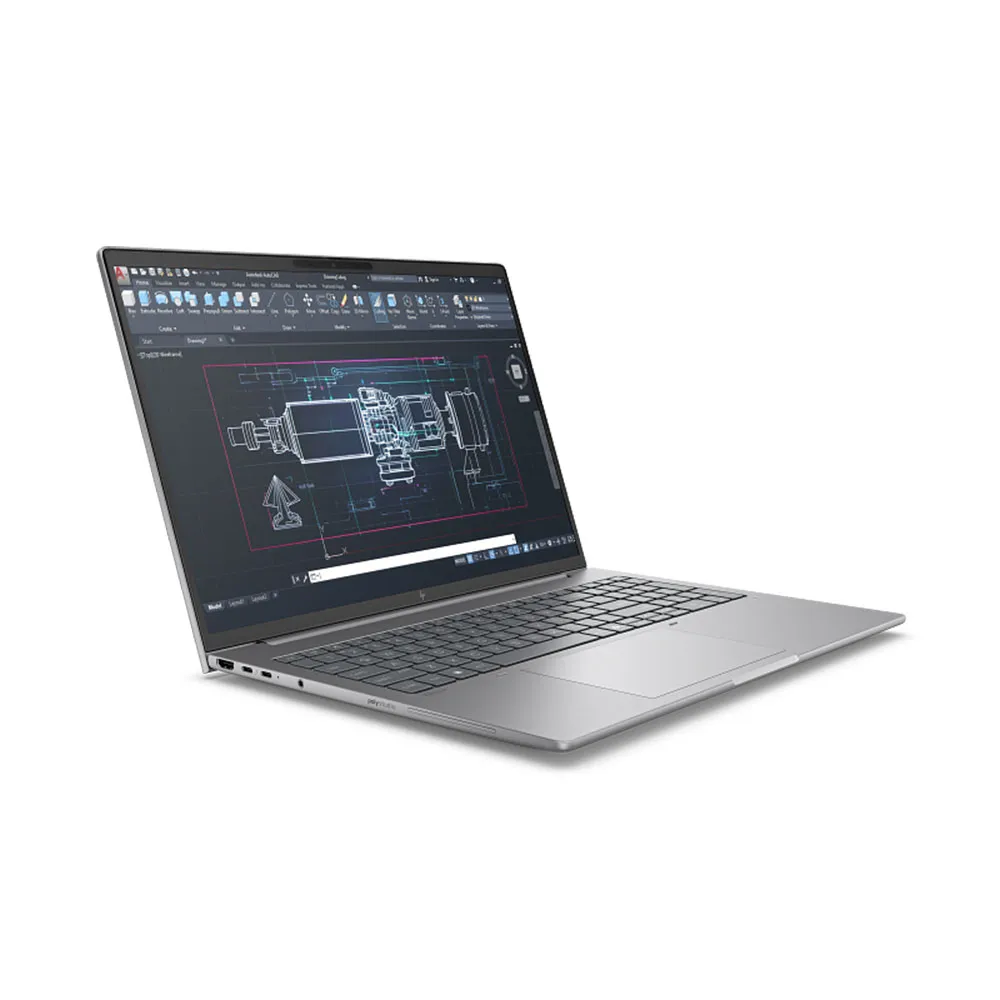
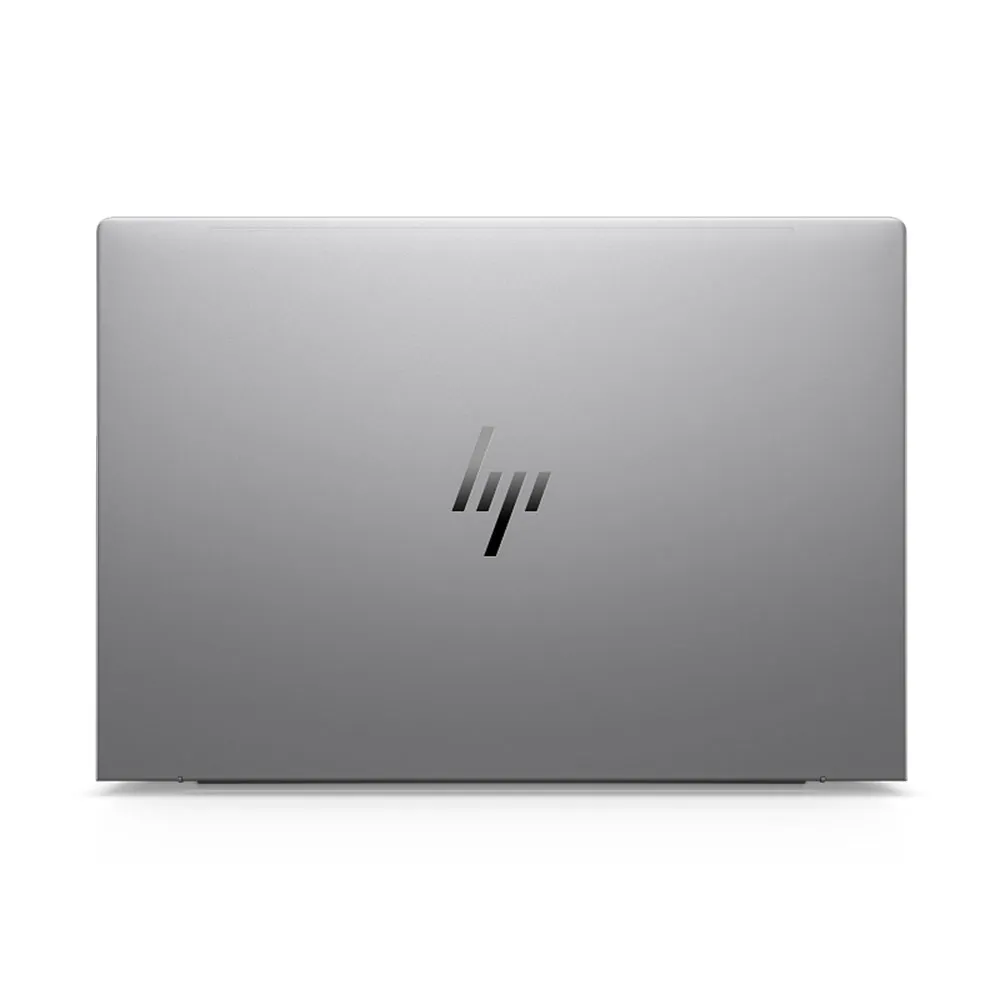
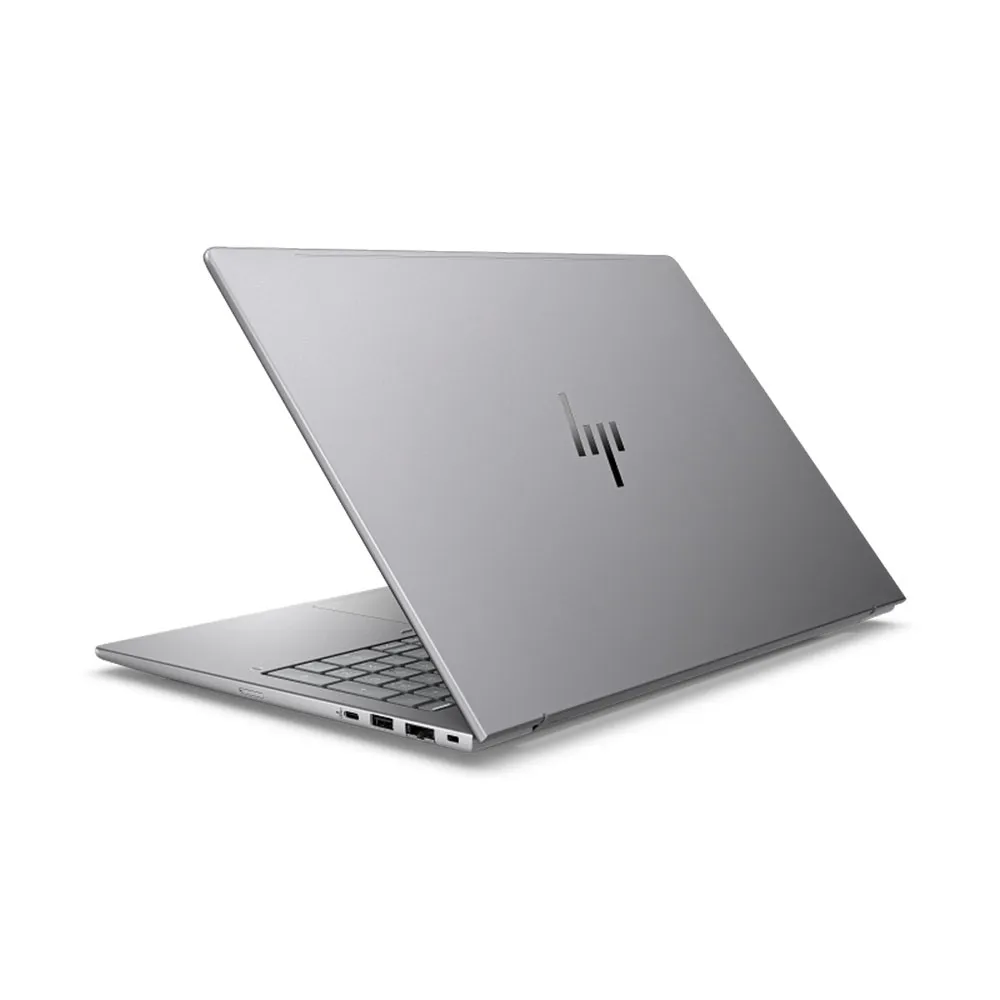
HP ZBook 8 G1i 16 Ultra 7 255H RTX 5000 Ada | 32GB 1TB

| Brand and Model | HP ZBook 8 G1i 16 |
| CPU model | Intel Core Ultra 7 255H |
| Installed RAM memory size | 32GB DDR5-6400 |
| Graphics card description | NVIDIA RTX 500 Ada Laptop GPU |
| Hard disk size | 1TB SSD NVMe |
| Screen size | 16 Inches |
| Colour | Silver |
4,800 AED 5,500 AED
HP ZBook 8 G1i 16 Core Ultra 7 255H RTX 500 Ada
The HP ZBook 8 G1i 16 targets users who need workstation-level hardware for professional tasks. This configuration combines an Intel Core Ultra 7 255H, 32GB DDR5 RAM, a 1TB NVMe SSD, and an NVIDIA RTX 500 Ada Generation Laptop GPU with 4GB GDDR6.
The hardware fits engineering, programming, technical analysis, design, and other demanding workflows. It also gives users more multitasking headroom than a typical business laptop. However, the exact display and wireless configuration can vary, so buyers should check the specifications of the individual unit.
A Mobile Workstation for Professional Tasks
The ZBook 8 G1i 16 belongs to HP’s ZBook workstation family. HP positions this range for professional and technical workloads rather than basic office use.
This configuration makes sense for engineers, developers, architects, analysts, and creative professionals. Its CPU handles demanding multi-tasking, while the dedicated NVIDIA GPU adds extra graphics capability for compatible applications.
The RTX 500 Ada also deserves a clear distinction. It is not the higher-end RTX 5000 Ada. The GPU in this configuration has 4GB of GDDR6 memory and targets entry-level professional graphics workloads.
Core Ultra 7 255H Handles Heavy Multitasking
The laptop uses the Intel Core Ultra 7 255H. This processor has 16 cores and 16 threads. It reaches up to 5.1GHz and includes 24MB of L3 cache.
These specifications give the ZBook strong CPU resources for professional multitasking. Users can run an IDE, several browser tabs, office applications, databases, and other tools at the same time.
The processor also works well with CPU-heavy tasks. Developers can benefit during code compilation. Analysts can handle demanding data workloads. Engineers can use CPU-intensive technical software with greater headroom.
Intel also includes an NPU in this processor. The Intel AI Boost NPU delivers up to 13 TOPS for compatible AI workloads.
The NPU does not automatically accelerate every AI application. Software support determines whether an application can use it.
32GB DDR5 Supports Serious Multitasking
This configuration includes 32GB of DDR5 RAM. The specified setup uses 2 × 16GB SODIMM modules.
That capacity gives professional users useful multitasking headroom. A developer can run an IDE, browser sessions, databases, containers, and documentation together. Design users can also keep larger project files and applications open at the same time.
The ZBook 8 G1i 16 provides two accessible SODIMM slots. HP lists support for configurations up to 64GB on this platform.
This upgrade path can extend the useful life of the workstation. Users with growing memory requirements can replace the existing modules with higher-capacity modules.
1TB NVMe Storage Keeps Daily Work Responsive
The system includes a 1TB PCIe NVMe SSD. This gives users space for Windows, professional applications, development environments, documents, and project files.
NVMe storage also helps with everyday responsiveness. Applications can launch quickly, while file access and project loading benefit from the fast storage interface.
However, professional users can fill 1TB relatively quickly. Large video projects, engineering files, datasets, and 3D assets can consume substantial storage. Users with these workloads may eventually need additional storage.
RTX 500 Ada Adds Dedicated Professional Graphics
The NVIDIA RTX 500 Ada Generation Laptop GPU gives this ZBook a dedicated graphics solution. It includes 4GB of GDDR6 memory and works alongside the processor’s Intel Arc 140T integrated graphics.
The dedicated NVIDIA GPU makes the laptop more relevant to professional graphics applications. CAD, technical visualization, 3D work, and supported creative software can benefit from dedicated GPU resources.
The 4GB VRAM capacity also creates a clear limit. Very large 3D scenes and demanding GPU workloads can require more graphics memory.
For that reason, the RTX 500 Ada fits users who need professional GPU acceleration without moving into the higher tiers of mobile workstation graphics.
The 16-Inch Display Requires Configuration Checking
The 16-inch screen provides useful workspace for professional applications. Larger software interfaces can fit more panels, toolbars, timelines, and windows on the screen.
HP offers several display options for the ZBook 8 G1i 16. Some configurations use 1920 × 1200 WUXGA panels. Other configurations offer a 2560 × 1600 2.5K panel with a 120Hz refresh rate.
The 2.5K option can reach 400 nits and offer 100% Adobe RGB and 100% DCI-P3 coverage on supported configurations. Other panels use different brightness and color specifications.
This difference matters for creative professionals. Designers, photographers, and video editors should check the exact panel before ordering.
The model name alone does not guarantee one specific display configuration.
Professional Connectivity for Desk and Dock Use
The ZBook 8 G1i 16 offers a broad selection of wired connections. Depending on the configuration, the platform includes Thunderbolt 4 USB-C, USB-A, HDMI, and RJ-45 Ethernet.
Thunderbolt 4 can connect compatible docks, displays, and high-speed storage. Ethernet can also provide a stable wired connection in office and workstation environments.
HP offers different wireless configurations across the platform. Documentation lists Wi-Fi 6E and Wi-Fi 7 options. Bluetooth versions can also vary between configurations.
For that reason, buyers should check the wireless specifications of the exact unit.
How the Hardware Fits Different Workloads
Engineering and CAD
The Core Ultra 7 255H provides strong CPU resources for engineering software. The RTX 500 Ada adds dedicated graphics acceleration for supported applications.
The GPU still has a 4GB VRAM limit. Users who work with very complex 3D scenes should consider a higher-tier workstation GPU.
Programming and Development
This configuration works well for developers who need more than a basic office laptop.
The 32GB RAM capacity helps when users run IDEs, browsers, databases, containers, emulators, and development tools together. The Core Ultra 7 255H also provides strong resources for compilation and multi-threaded development tasks.
Graphic Design
The dedicated NVIDIA GPU can accelerate supported creative applications. The display configuration becomes especially important here.
Users who need accurate color reproduction should confirm the panel’s resolution, brightness, and color coverage before ordering.
Video Editing
The CPU, dedicated GPU, and 1TB NVMe SSD create a capable foundation for video editing.
However, large projects can put pressure on both storage and GPU memory. Users who work with extensive footage or demanding effects may need external storage and a more powerful workstation GPU.
Business and Productivity
This configuration offers more performance than most standard office workloads require.
It works well for office applications, research, communication, data analysis, large spreadsheets, and heavy multitasking. The workstation hardware also leaves room for more demanding professional applications when needed.
Gaming
The RTX 500 Ada can run compatible games, but gaming should not drive the purchase decision.
HP designed the ZBook around professional workloads. Users who mainly want gaming performance should consider a gaming-focused laptop with a stronger gaming GPU.
Refurbished Condition: What to Check
This configuration comes as a refurbished laptop, so the physical condition matters as much as the specifications.
Check the chassis, display, keyboard, touchpad, hinges, and ports before ordering. Battery health also deserves attention because battery condition can vary between refurbished units.
You should also confirm the exact display panel, wireless adapter, operating-system status, warranty, and included accessories.
These details can vary between individual units. Do not assume that every refurbished ZBook 8 G1i 16 has identical cosmetic condition or accessories.
Advantages and Limitations
Advantages
- Core Ultra 7 255H with 16 cores and 16 threads gives the workstation strong CPU resources.
- 32GB DDR5 RAM supports demanding multitasking and professional software.
- Two SODIMM slots provide an upgrade path up to 64GB.
- RTX 500 Ada with 4GB GDDR6 adds dedicated professional graphics capability.
- 1TB NVMe SSD provides fast primary storage for applications and project files.
- Thunderbolt 4 and wired networking options support professional desk setups.
Limitations
- RTX 500 Ada sits at the entry level of NVIDIA’s professional mobile graphics range.
- 4GB VRAM can limit demanding 3D and GPU-heavy workloads.
- Display specifications vary between configurations.
- Refurbished units can differ in battery health and physical condition.
- 1TB storage may not satisfy users with large local project libraries.
Who Should Choose This ZBook?
The HP ZBook 8 G1i 16 suits users who need professional hardware without stepping into the highest workstation performance tier.
Developers can take advantage of the CPU and 32GB memory. Engineers can use the dedicated NVIDIA graphics for supported applications. Creative users can benefit from the workstation platform, provided that the selected display meets their color and resolution requirements.
Users who work with extremely complex 3D projects or GPU-heavy workloads should consider a workstation with more VRAM and a higher-tier professional GPU.
Final Verdict
The HP ZBook 8 G1i 16 Core Ultra 7 255H RTX 500 Ada offers a balanced professional configuration.
The Core Ultra 7 255H, 32GB DDR5 RAM, 1TB NVMe SSD, and RTX 500 Ada 4GB give it a strong foundation for engineering, development, technical analysis, and selected creative workloads.
The main points to verify concern the exact display configuration and the condition of the refurbished unit. Once those details match the intended workload, this ZBook provides a practical mobile workstation with strong CPU resources, upgradeable memory, dedicated NVIDIA graphics, and professional connectivity.
Frequently Asked Questions
Is the HP ZBook 8 G1i 16 a gaming laptop?
No. HP designed the ZBook as a mobile workstation. The RTX 500 Ada can handle compatible games, but professional workloads remain its main focus.
How much RAM does this configuration have?
This configuration has 32GB of DDR5 RAM with two 16GB SODIMM modules.
Can I upgrade the RAM?
Yes. The ZBook 8 G1i 16 has two accessible SODIMM slots and supports configurations up to 64GB.
Which GPU does this ZBook use?
It uses an NVIDIA RTX 500 Ada Generation Laptop GPU with 4GB of GDDR6 memory. The system also includes Intel Arc 140T integrated graphics.
Does every ZBook 8 G1i 16 have the same display?
No. HP offers multiple display configurations. Resolution, brightness, color coverage, and refresh rate can vary.
Is the 1TB SSD enough for professional work?
It can handle many professional workflows. Users with large video libraries, 3D assets, engineering files, or datasets may eventually need additional storage.
Is it suitable for programming?
Yes. The Core Ultra 7 255H and 32GB RAM provide a strong environment for IDEs, containers, databases, virtual machines, and heavy multitasking.
What should I check before ordering the refurbished model?
Check the display, battery health, chassis, keyboard, touchpad, hinges, ports, warranty, operating-system status, and included accessories.
| Brand | |
|---|---|
| Model | HP Zbook 8 G1i 16 |
| Processor | |
| RAM | |
| Storage | |
| Graphics | |
| Screen Size | |
| Camera | Integrated Camera |
| Color | |
| Keyboard | US-English |
| Operating System | Windows 11 Pro |
| Condition | Used-Excellent (Fully Tested) |
| Battery | |
| Weight | 1.76 kg |
| Warranty | 3 Months |
Based on 0 reviews
Only logged in customers who have purchased this product may leave a review.
Related products
-
HP Zbook Firefly, HP Zbook Series, Workstation Laptops
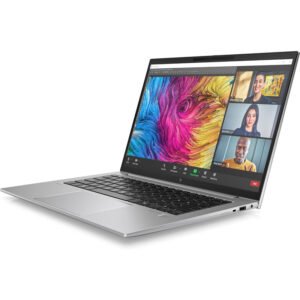
ZBook Firefly 14 G11 with Ultra 5-125H
HP Zbook Firefly, HP Zbook Series, Workstation LaptopsZBook Firefly 14 G11 with Ultra 5-125H
“a-spacing-small po-ram_memory.installed_size” role=”listitem”>
Colour
Brand and Model <strong>HP ZBook Firefly 14 G11 CPU model Intel Ultra 5-125H <strong>Installed RAM memory size 16GB DDR4 s=”a-span3″ role=”presentation”>Graphics card description Intel Iris Graphics Hard disk size 1TB SSD Nvme Screen size 14 Inches Full HD Grey SKU: ZB70130 -
HP Zbook Series, Workstation Laptops
HP ZBook Fury 16 G10 with Core i7-13850HX
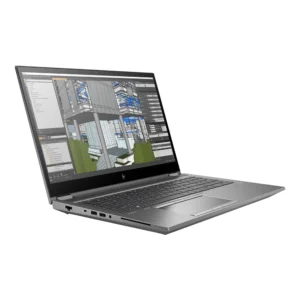
HP Zbook Series, Workstation LaptopsHP ZBook Fury 16 G10 with Core i7-13850HX
Brand and Model HP ZBook Firefly G9 CPU model Intel Core i7-13850HX Installed RAM memory size 16GB DDR5 Graphics card description NVIDIA RTX 2000 (12GB) Hard disk size 1TBGB SSD Nvme Screen size 16 Inches Full HD Colour Grey SKU: Zb70116 -
HP Zbook Series, Workstation Laptops
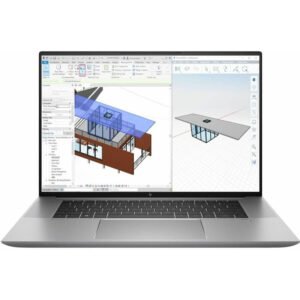
ZBook Studio 16-G10 Core i7-13th | 16GB | 1TB 6GB Graphics
HP Zbook Series, Workstation LaptopsZBook Studio 16-G10 Core i7-13th | 16GB | 1TB 6GB Graphics
Brand and Model HP ZBook Studio G10 CPU model Intel Core i7-13th Gen Installed RAM memory size 16GB DDR4 Graphics card description 6GB Nvidia Graphics Hard disk size 1TB SSD Nvme Screen size 16 Inches Full HD Colour Metalic grey SKU: Zb70121 -
Dell Precision Series, Workstation Laptops
Dell Precision 5530 | Intel Core i7-8850H | 32GB RAM | 512GB SSD | NVIDIA Quadro P1000 4GB | 15 inch | Renewed
-17%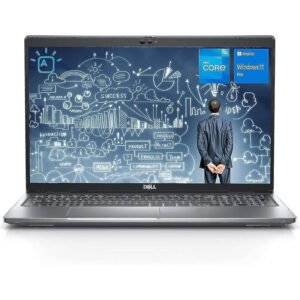 Dell Precision Series, Workstation Laptops
Dell Precision 5530 | Intel Core i7-8850H | 32GB RAM | 512GB SSD | NVIDIA Quadro P1000 4GB | 15 inch | Renewed
Dell Precision Series, Workstation LaptopsDell Precision 5530 | Intel Core i7-8850H | 32GB RAM | 512GB SSD | NVIDIA Quadro P1000 4GB | 15 inch | Renewed
Brand & Model Dell Precision 5530 Processor Intel Core i7-8850H (8th Generation, 6 Cores, 12 Threads, Up to 4.30GHz) Memory (RAM) 32GB DDR4 2666MHz Storage 512GB M.2 PCIe NVMe SSD Graphic Card NVIDIA Quadro P1000 – 4GB GDDR5 Dedicated Graphics Memory Display 15.6-inch Full HD (1920 × 1080) IPS Display Color Silver Condition Used (Renewed) SKU: Dell5530-01
There are no reviews yet.