







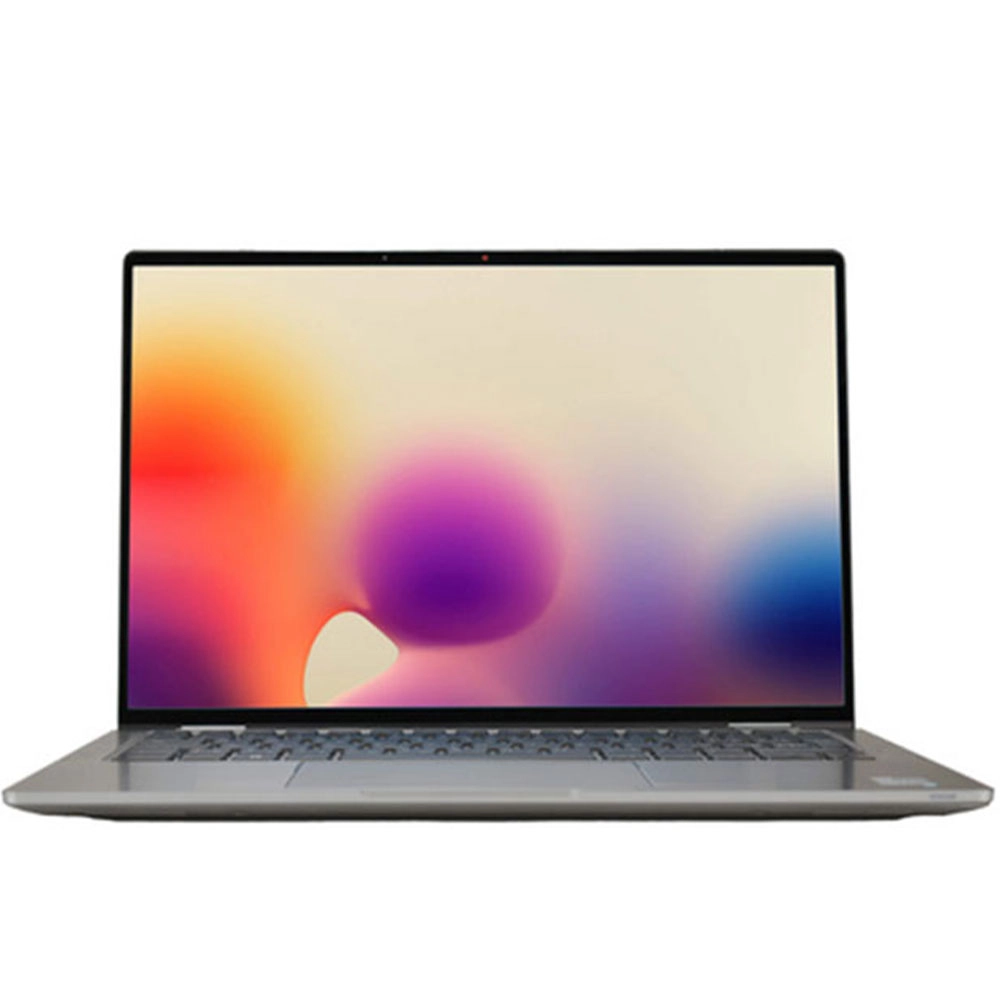
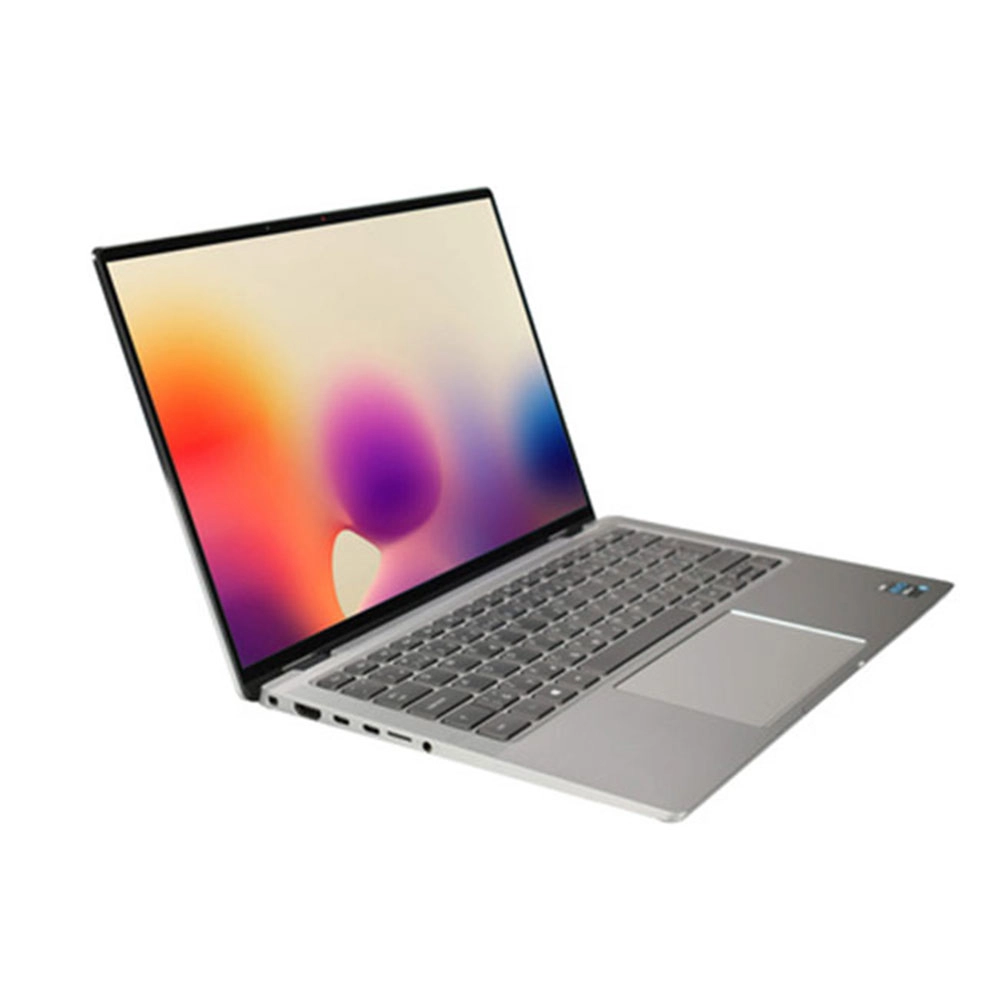
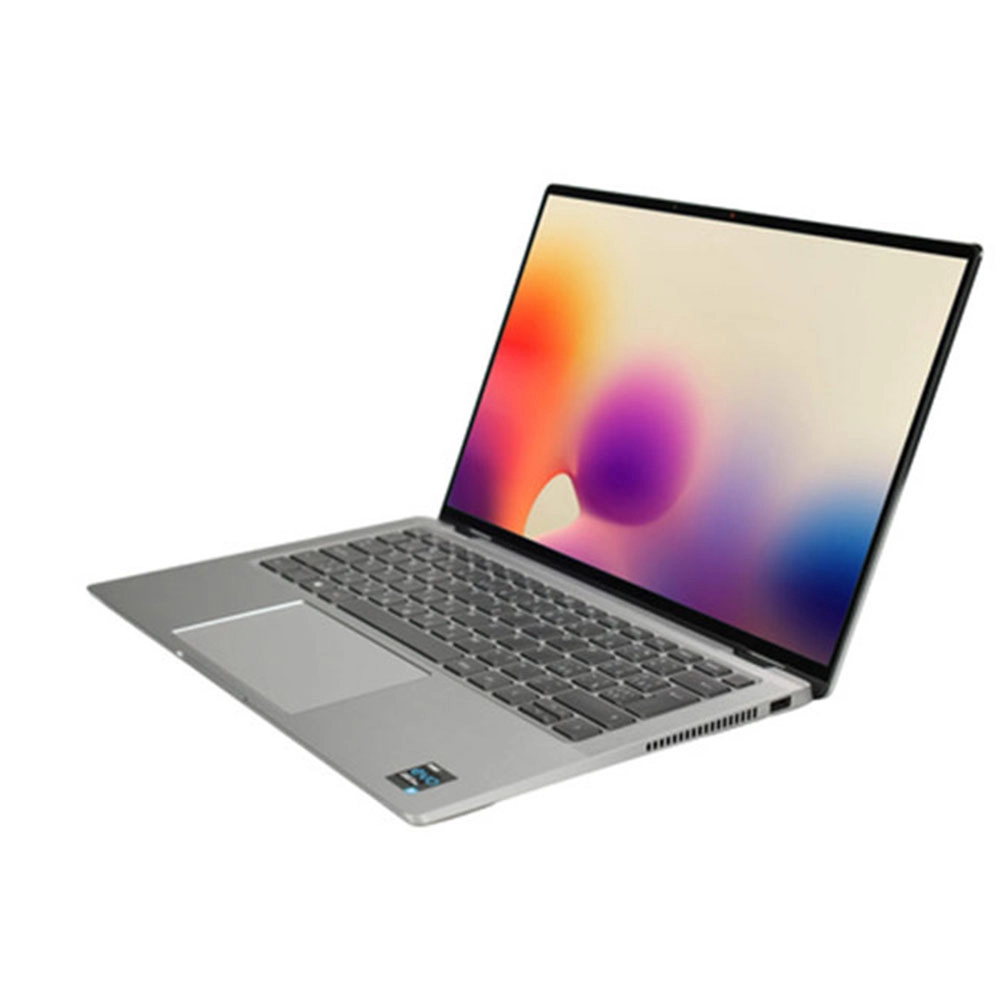
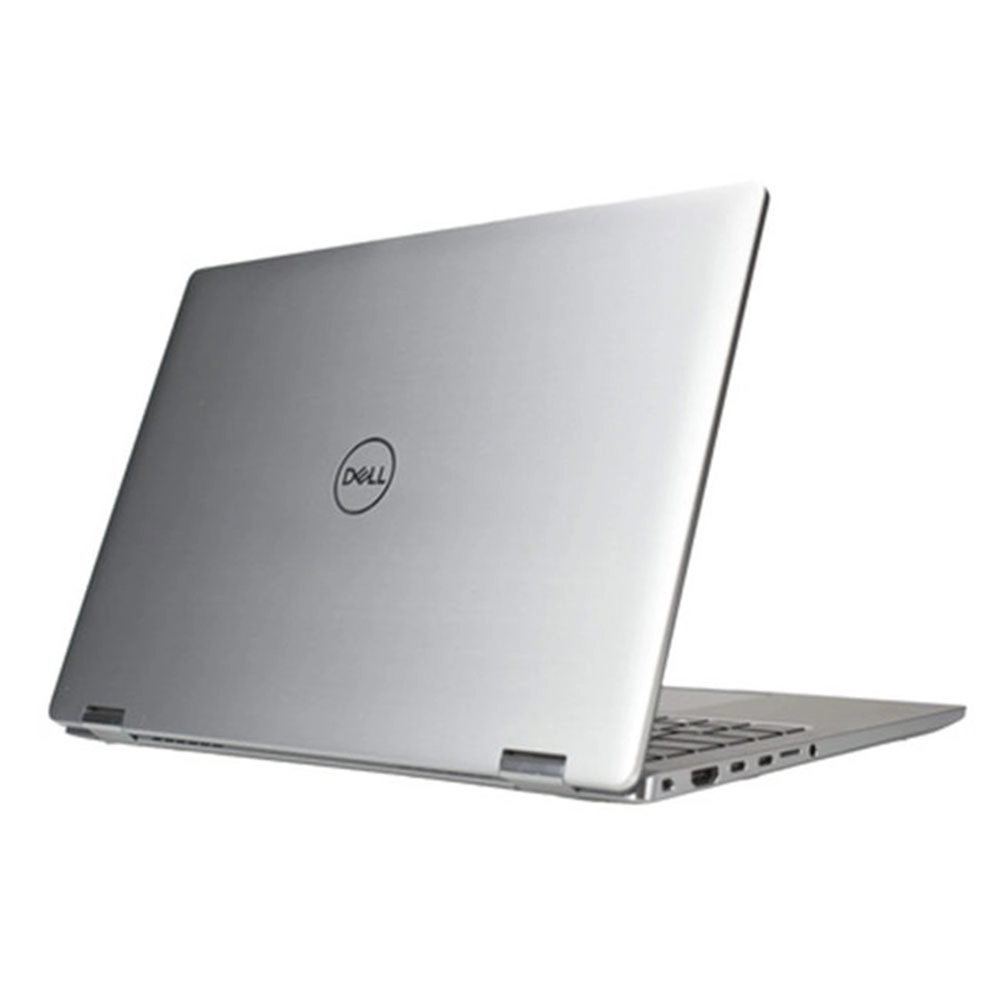
Dell Latitude 9420 | Intel Core i7 11th Gen | 16GB RAM | 512 SSD | 14″ | Renewed

| Brand and Model | Dell Latitude 9420 |
|---|---|
| CPU model | Intel Core i7 11th Gen |
| Installed RAM memory size | 16GB |
| Graphics card description | Intel Iris Xe Graphics |
| Hard disk size | 512GB SSD |
| Screen size | 14 Inches |
| Colour | Grey |
| Condition | Renewed |
1,000 AED 1,300 AED
Dell Latitude 9420 Laptop
The Dell Latitude 9420 is a 14-inch business laptop from Dell’s Latitude 9000 Series, built around an 11th Generation Intel Core i7 processor, 16GB of integrated memory and a 512GB NVMe SSD. The platform combines a compact chassis with business-oriented connectivity, collaboration features and integrated graphics. Dell offered it as both a conventional laptop and a 2-in-1 convertible, so the display and physical design depend on the selected form factor.
Technical Specifications
| Component | Specification |
|---|---|
| Brand | Dell |
| Model | Latitude 9420 |
| Processor | Intel Core i7-1185G7, 11th Gen |
| CPU Cores / Threads | 4 cores / 8 threads |
| Base / Maximum Frequency | 3.0GHz / up to 4.8GHz |
| Cache | 12MB |
| Memory | 16GB LPDDR4x-4266, integrated |
| Memory Upgrade | Soldered; not upgradeable |
| Storage | 512GB M.2 PCIe NVMe SSD |
| Graphics | Integrated Intel Iris Xe Graphics |
| Display Size | 14 inches |
| Laptop Display Option | FHD+ 1920 × 1200, non-touch, 60Hz |
| 2-in-1 Display Option | QHD+ 2560 × 1600, touchscreen, 60Hz |
| Battery | 40Wh or 60Wh, depending on configuration |
| Wireless | Wi-Fi 6E or Wi-Fi 6, depending on configuration |
| Bluetooth | Version depends on wireless module |
| Ports | 2× Thunderbolt 4 USB-C, 1× USB-A with PowerShare, HDMI 2.0, audio combo |
| Card Slot | microSD |
| Starting Weight | Approx. 1.27kg for laptop; 1.40kg for 2-in-1 |
Designed for a Connected Workday
The Latitude 9420 places its emphasis on professional computing rather than a specialised single-purpose workload. Its 14-inch format keeps the system compact, while the processor, memory and NVMe storage provide the core hardware for documents, spreadsheets, web applications and video meetings.
Dell’s two form factors address different working preferences. The standard laptop uses a conventional hinge and a non-touch display option. The 2-in-1 version adds a 360-degree hinge and touchscreen, allowing the screen to fold into tablet, tent and stand positions. This distinction matters because it affects how the computer is used, as well as its weight and display specifications.
The chassis measures approximately 310.59mm wide and 215.18mm deep. Dell lists a starting weight of 1.27kg for the laptop and 1.40kg for the convertible. These figures describe the starting configurations; installed components can affect the final weight.
Core i7-1185G7: 11th Generation Processing
The Core i7-1185G7 is an 11th Generation Intel processor with four cores and eight threads. It runs at a 3.0GHz base frequency and can reach up to 4.8GHz, with 12MB of cache. This processor supports a range of everyday business tasks, including office software, browser-based systems, presentations and communication tools.
Its four-core design also supports moderate multitasking, such as keeping several applications open while working with documents or attending an online meeting. It is not a current-generation processor, however, and demanding sustained workloads may be limited by the performance and thermal characteristics of this older mobile platform.
16GB Integrated Memory
The system uses 16GB of LPDDR4x memory running at 4266MHz. Dell lists this memory as integrated, meaning it is soldered to the system board rather than installed in removable memory slots.
That capacity supports common office workflows and moderate multitasking. Users can keep documents, browser tabs and communication applications active together without relying on storage as a substitute for system memory. The trade-off is that the memory cannot be upgraded later, so the installed 16GB remains the system’s fixed capacity.
512GB NVMe Storage
A 512GB M.2 PCIe NVMe SSD provides local storage for the operating system, applications and work files. NVMe storage supports responsive access to frequently used files and applications, while the solid-state design avoids the moving parts found in mechanical hard drives.
The 512GB capacity offers room for everyday work documents and installed software. The specific SSD model and service procedure can vary by configuration, so the capacity alone does not identify the exact drive fitted to an individual unit.
Intel Iris Xe Integrated Graphics
The Latitude 9420 uses Intel Iris Xe Graphics integrated into the Core i7-1185G7 processor. It shares system memory and handles the laptop’s visual output without a separate graphics card.
This graphics hardware is suited to desktop applications, video playback, presentations and routine image handling. It can also support compatible light creative tasks, but it does not have dedicated graphics memory. As a result, the system is not designed around demanding 3D rendering, high-end GPU workloads or graphics-intensive gaming.
Two 14-Inch Display Formats
Dell offered the Latitude 9420 with different 14-inch display options depending on whether the system is a standard laptop or a 2-in-1. The conventional laptop option uses a 1920 × 1200 FHD+ non-touch panel with a 60Hz refresh rate. The 2-in-1 option uses a 2560 × 1600 QHD+ touchscreen, also at 60Hz.
The documented QHD+ convertible panel supports touch input and active-pen use, while the laptop panel is non-touch. Both display formats use a 16:10 aspect ratio, which provides additional vertical space for documents and web pages compared with a 16:9 screen of the same diagonal size.
The display choice therefore changes more than resolution: it determines whether direct touch and pen interaction are available and whether the hinge supports convertible modes.
Battery and Charging
Dell lists 40Wh and 60Wh battery options for the Latitude 9420. The installed capacity depends on the configuration, so battery runtime cannot be determined from the model name alone. Screen type, brightness, workload, wireless use and battery condition also affect operating time.
The system supports USB-C charging through compatible Power Delivery equipment. Dell’s platform specifications also list ExpressCharge features for supported battery configurations. Actual charging behaviour depends on the installed battery and compatible power adapter.
Ports and External Displays
The Latitude 9420 provides two Thunderbolt 4 USB-C ports, one USB-A 3.2 Gen 1 port with PowerShare, an HDMI 2.0 port and a universal audio jack. The Thunderbolt ports support compatible high-speed peripherals, docking stations and external displays, while HDMI offers a direct connection to a monitor or projector.
A microSD card slot is also included. A microSIM slot is available on WWAN configurations, while other card and wireless options depend on the ordered system.
Wireless and Collaboration Features
Dell lists Wi-Fi 6E with Bluetooth 5.1 on a documented configuration, while other configurations may use different wireless modules. Wi-Fi 6E can access supported 6GHz networks, while Bluetooth supports compatible wireless peripherals.
The Latitude 9420 family includes camera options with infrared capability, dual-array microphones and stereo speakers with Waves MaxxAudio Pro. These components support video conferencing and voice communication. Camera features and related privacy options depend on the exact configuration.
Advantages and Limitations
Advantages
- The Core i7-1185G7 provides four cores and eight threads for everyday professional workloads.
- 16GB of LPDDR4x memory and a 512GB NVMe SSD support routine multitasking and file access.
- Thunderbolt 4, HDMI 2.0 and USB-A provide varied connections for peripherals and displays.
- The 14-inch display is available in conventional laptop and convertible formats.
- Intel Iris Xe graphics handles everyday visual tasks without a separate graphics card.
Limitations
- The 16GB memory is integrated and cannot be upgraded.
- Intel Iris Xe is integrated graphics, not a discrete GPU for demanding graphics workloads.
- Display features, battery capacity and weight differ between laptop and 2-in-1 configurations.
- The 11th Generation processor is an older platform compared with newer laptop generations.
Final Overview
The Dell Latitude 9420 combines an 11th Generation Core i7 processor, 16GB of integrated memory and a 512GB NVMe SSD in a 14-inch business laptop platform. Its Thunderbolt 4 connectivity, integrated Iris Xe graphics and collaboration hardware support everyday professional computing. The choice between the conventional laptop and 2-in-1 versions determines the display format and convertible functionality, while the fixed memory capacity and integrated graphics define its principal hardware limits.
| Brand | |
|---|---|
| Model | Latitude 9420 |
| Processor | |
| RAM | |
| Storage | |
| Graphics | |
| Screen Size | |
| Camera | Integrated Camera |
| Color | |
| Keyboard | Backlit Keyboard |
| Operating System | Windows 11 Pro |
| Condition | Used-Excellent (Fully Tested) |
| Battery | |
| Weight | 1.27 kg |
| Warranty | 3 Months |
Based on 0 reviews
Only logged in customers who have purchased this product may leave a review.
Related products
-
Business Laptops, HP Elitebook, Office and Student
HP EliteBook 840 G7- Intel Core i7-10th Gen | 16GB RAM | 256GB SSD | 14 inch Display | Windows 10 Pr.
-12% Business Laptops, HP Elitebook, Office and Student
HP EliteBook 840 G7- Intel Core i7-10th Gen | 16GB RAM | 256GB SSD | 14 inch Display | Windows 10 Pr.
Business Laptops, HP Elitebook, Office and StudentHP EliteBook 840 G7- Intel Core i7-10th Gen | 16GB RAM | 256GB SSD | 14 inch Display | Windows 10 Pr.
SKU: n/a -
Business Laptops, HP Elitebook, Office and Student
HP EliteBook 840 G8 – Intel Core i5-11th Gen | 8GB RAM | 256GB SSD | 14 inch Display | Windows 11 Pro
-9% Business Laptops, HP Elitebook, Office and Student
HP EliteBook 840 G8 – Intel Core i5-11th Gen | 8GB RAM | 256GB SSD | 14 inch Display | Windows 11 Pro
Business Laptops, HP Elitebook, Office and StudentHP EliteBook 840 G8 – Intel Core i5-11th Gen | 8GB RAM | 256GB SSD | 14 inch Display | Windows 11 Pro
SKU: n/a -
Business Laptops, HP Elitebook, Office and Student
HP EliteBook 840 G7 – Intel Core i5-10th Gen | 8GB RAM | 256GB SSD | 14 inch Display | Windows 10 Pro
-4%Business Laptops, HP Elitebook, Office and StudentHP EliteBook 840 G7 – Intel Core i5-10th Gen | 8GB RAM | 256GB SSD | 14 inch Display | Windows 10 Pro
Business Laptops, HP Elitebook, Office and StudentHP EliteBook 840 G7 – Intel Core i5-10th Gen | 8GB RAM | 256GB SSD | 14 inch Display | Windows 10 Pro
SKU: n/a -
Business Laptops, HP Elitebook, Ultrabook and X360
HP EliteBook 1040 G7 2-in-1 Core i7-10th 16GB 512GB
-11% Business Laptops, HP Elitebook, Ultrabook and X360
HP EliteBook 1040 G7 2-in-1 Core i7-10th 16GB 512GB
Business Laptops, HP Elitebook, Ultrabook and X360HP EliteBook 1040 G7 2-in-1 Core i7-10th 16GB 512GB
Brand and Model HP Elitebook 1040 X360 G7 CPU model Intel Core i7-1065G7 Installed RAM memory size 16GB DDR4 Graphics card description Intel Iris X Hard disk size 512 GB SSD Nvme Screen size 14.1 Inches Full HD Colour Silver SKU: n/a
There are no reviews yet.