







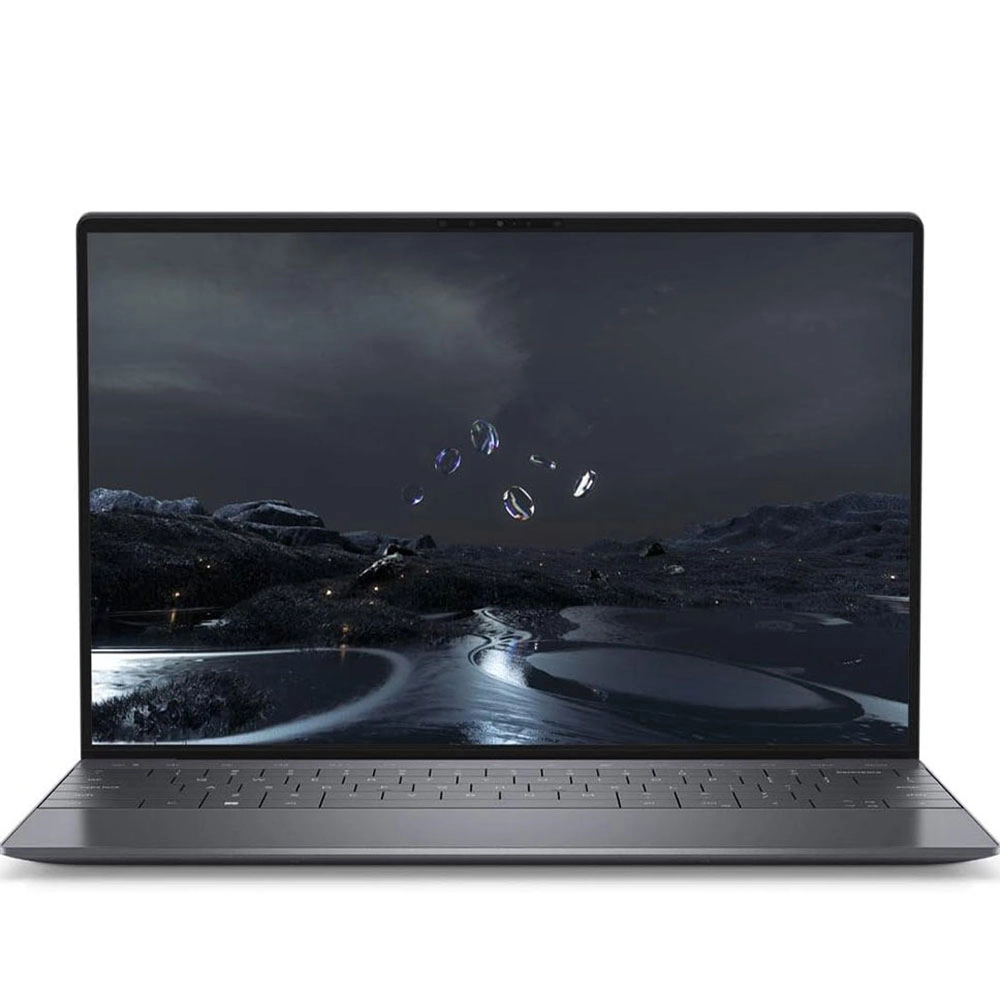
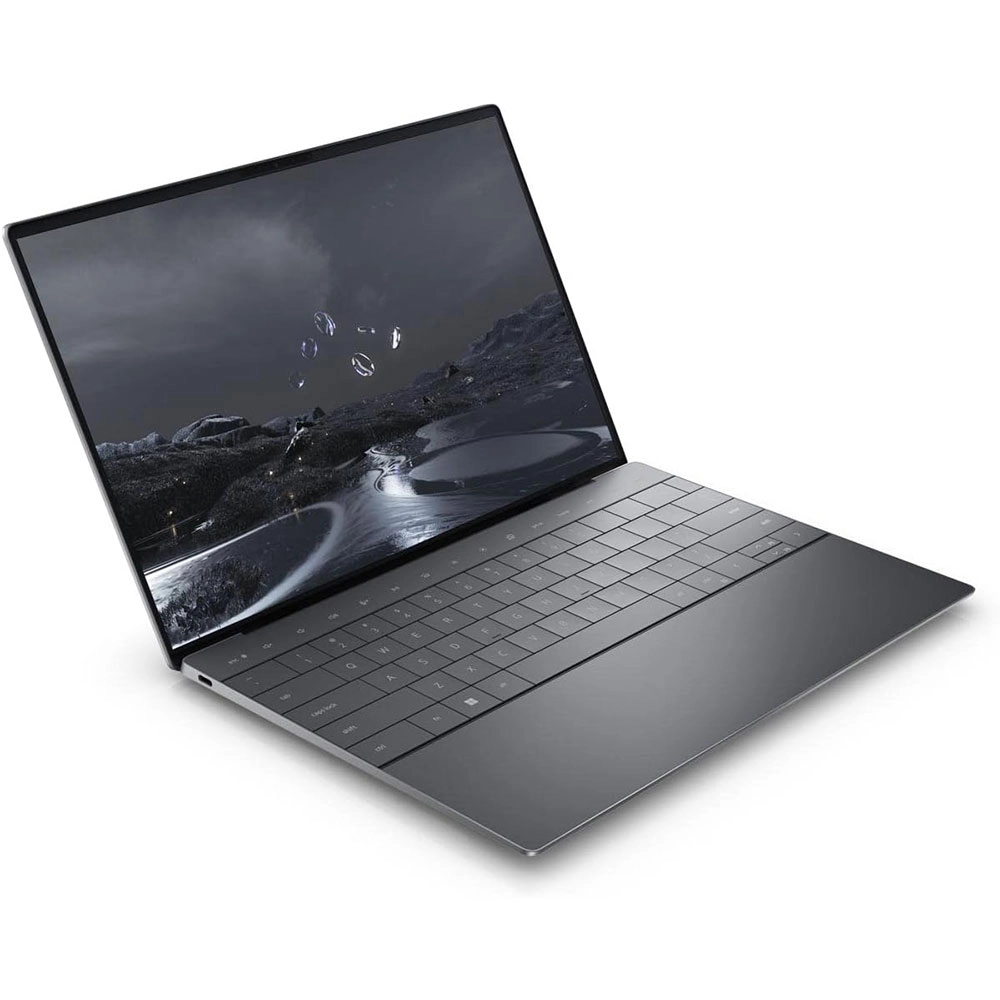
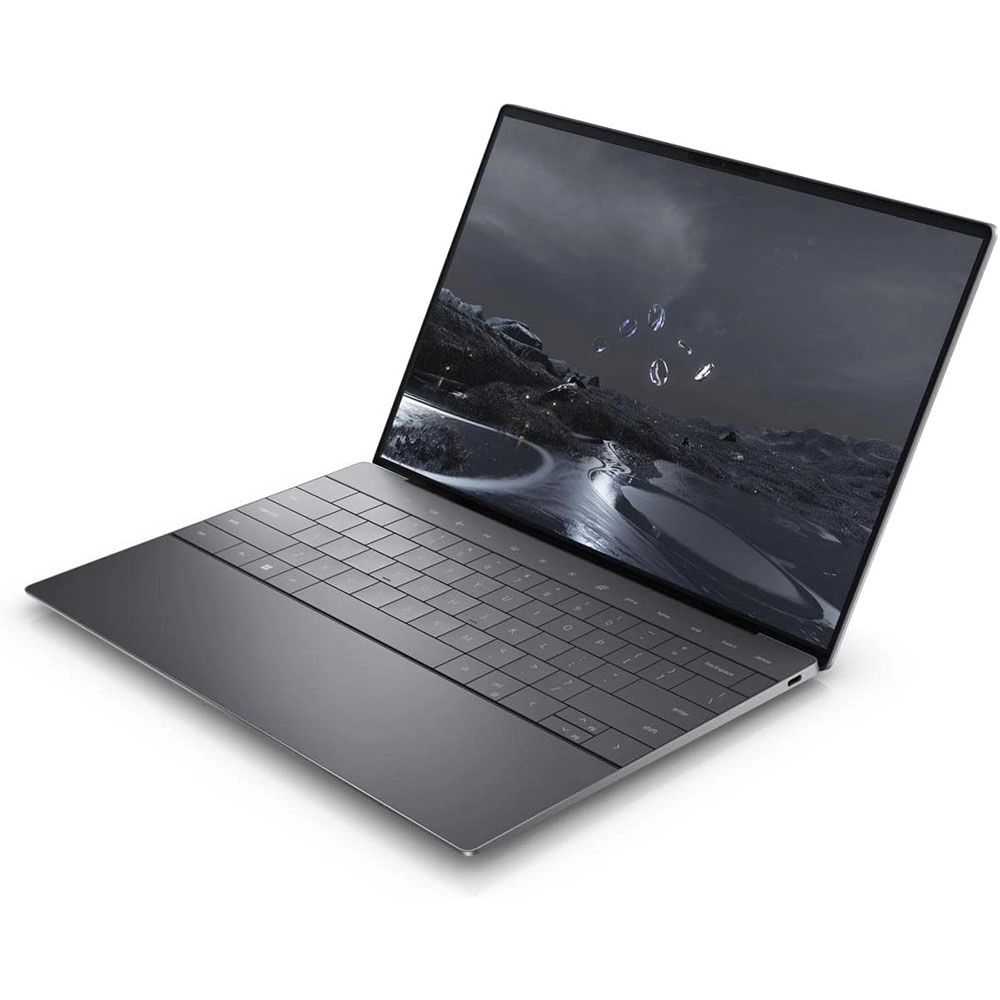


Dell XPS 13 Plus 9320 | Intel Core i7 12th Gen | 16GB RAM | 512 SSD | 13″ | Renewed

| Brand and Model | Dell XPS 13 Plus 9320 |
|---|---|
| CPU model | Intel Core i7 12th Gen |
| Installed RAM memory size | 16GB |
| Graphics card description | Intel Iris Xe Graphics |
| Hard disk size | 512GB SSD |
| Screen size | 13 Inches |
| Colour | Platinum Silver |
| Condition | Renewed |
1,600 AED 1,850 AED
Dell XPS 13 Plus 9320
The Dell XPS 13 Plus 9320 takes a compact laptop approach and pairs it with 12th-generation Intel Core i7 processing, 16GB of integrated LPDDR5 memory, and a 512GB SSD. Its 13-inch-class design makes it particularly interesting for users who want a portable Windows laptop without moving down to entry-level hardware. Dell lists several 12th-generation Core i7 processors for this model, so the exact processor SKU should be confirmed for the specific configuration.
For everyday productivity, study, programming, and mobile office work, the hardware provides a strong starting point. At the same time, the XPS 13 Plus 9320 remains an integrated-graphics laptop rather than a dedicated-GPU workstation. Therefore, buyers should match it to workloads that fit its compact design and graphics platform.
A Compact XPS Built Around Modern Hardware
The XPS 13 Plus 9320 belongs to Dell’s premium XPS family, but its value goes beyond the brand name. Instead, the configuration places emphasis on processing power, fast memory, SSD storage, and portability.
The chassis measures approximately 295.3 mm in width and 199.04 mm in depth, while the minimum listed weight is about 1.27 kg. As a result, the system suits users who regularly carry a laptop between home, university, office, or meetings. Actual weight can vary with configuration.
Dell also designed this generation around a modern USB-C connectivity layout. The system provides two Thunderbolt 4 USB-C ports with Power Delivery, while DisplayPort connections require a compatible USB-C adapter. Consequently, users who rely on traditional USB-A, HDMI, or wired networking should plan for adapters or a dock.
12th-Generation Core i7: The Main Performance Element
The supplied configuration identifies the processor as a 12th-generation Intel Core i7, but it does not specify the exact model number. Dell’s official documentation lists several options, including the Core i7-1260P, i7-1270P, and i7-1280P. These processors do not share identical core and thread counts, so the exact CPU should be verified before ordering.
For example, Dell lists the Core i7-1260P with 12 cores, 16 threads, and a maximum turbo frequency of 4.70 GHz. The i7-1280P, by contrast, uses 14 cores and 20 threads. This difference matters when you compare two XPS 13 Plus 9320 units that both carry a “12th Gen Core i7” label.
Therefore, the processor label alone should not determine your purchase decision. If your workload includes sustained compiling, heavier multitasking, or demanding professional applications, confirm the exact CPU SKU on the product listing.
16GB LPDDR5 Memory for Daily Multitasking
The 16GB RAM configuration gives the Dell XPS 13 Plus 9320 enough memory for demanding everyday multitasking. You can work with browser tabs, office applications, communication tools, documents, and development software without relying on a basic entry-level memory configuration.
Dell specifies LPDDR5 memory at 5200 MHz, with the memory integrated onto the system board. The platform supports up to 32GB, but the supplied configuration contains 16GB. Because the RAM is integrated, buyers should treat the installed memory as an important part of the original configuration rather than assuming a conventional RAM upgrade path.
For students, office users, developers, and professionals who keep several applications open at once, 16GB provides a practical balance. However, users planning unusually heavy virtual-machine workloads or large professional datasets may benefit from a higher-memory configuration when available.
512GB SSD Keeps the System Practical
The supplied unit includes a 512GB SSD. Dell lists 512GB M.2 PCIe NVMe options for the XPS 13 Plus 9320, including Gen 4 configurations. The platform uses an M.2 storage slot, and Dell documentation identifies support for M.2 2230 and 2280 SSD formats depending on the configuration.
For everyday work, 512GB gives users substantially more room than a small entry-level SSD. It can accommodate the operating system, productivity software, development tools, documents, and a moderate media library.
Still, storage needs vary. Users who work with large video projects, extensive photo libraries, or multiple virtual machines should consider how quickly 512GB may fill up.
Integrated Graphics: Know the Real Limitation
The supplied specification describes the graphics as Intel HD, but Dell’s official documentation for the 12th-generation Core i7 configurations lists Intel Iris Xe Graphics as the integrated GPU. Because the exact processor SKU was not provided, the safest product description is Intel integrated graphics, with the exact graphics configuration to be verified against the unit.
This graphics platform works well for general Windows use, office applications, web work, programming environments, media playback, and lighter creative tasks. However, the XPS 13 Plus 9320 does not target users who need the performance of a dedicated NVIDIA or AMD graphics processor.
Therefore, demanding 3D rendering, professional GPU workloads, and modern high-end gaming fall outside the strongest use cases for this configuration.
13.4-Inch Display Class for Portable Work
Although the supplied size is listed as 13 inches, Dell’s specifications identify the XPS 13 Plus 9320 display as 13.4 inches. The model was offered with several display configurations, including FHD+ and higher-resolution options. Dell also lists both touch and non-touch versions, so the exact panel should be checked against the specific unit before publication.
The compact screen suits users who value portability and work primarily with documents, browser windows, code, email, and business applications. On the other hand, users who regularly manage large spreadsheets, complex timelines, or extensive design interfaces may prefer a larger external monitor.
Connectivity Favors USB-C
The XPS 13 Plus 9320 takes a strongly USB-C-oriented approach. Dell specifies two Thunderbolt 4 USB-C ports with Power Delivery, USB4 support, and DisplayPort functionality through the USB-C interface. The same ports can also connect to a compatible Dell docking station.
This arrangement works well for a modern desk setup with a USB-C monitor, dock, or compatible accessories. However, it also creates a practical limitation: users with older USB-A peripherals, HDMI-only displays, wired Ethernet, or conventional audio connectors may need additional adapters.
Who Should Consider the Dell XPS 13 Plus 9320?
Office and Business Work
The combination of a 12th-generation Core i7 platform, 16GB RAM, and 512GB SSD creates a capable foundation for documents, spreadsheets, presentations, browser-based work, meetings, and business software.
University and Study
Its compact dimensions and relatively low weight make the XPS 13 Plus 9320 convenient for students who move between classrooms, libraries, and home. Meanwhile, 16GB memory provides useful headroom for research, browser-heavy study, and productivity applications.
Programming
Developers can use the system for code editors, IDEs, terminals, databases, and local development environments. The 16GB configuration also helps when several development tools remain open simultaneously. For heavier virtual machines or specialized workloads, however, a higher-memory configuration may be preferable.
Light Creative Work
The integrated Intel graphics can handle everyday visual work and lighter creative applications. Nevertheless, users who depend on dedicated GPU acceleration for professional 3D, advanced video production, or demanding rendering should look at a laptop with a discrete GPU instead.
Gaming
The XPS 13 Plus 9320 is not primarily a gaming laptop. Integrated graphics can support lighter games and less demanding titles, but buyers seeking sustained high-performance gaming should choose a model with a dedicated graphics processor.
Technical Specifications
| Specification | Dell XPS 13 Plus 9320 |
|---|---|
| Brand | Dell |
| Model | XPS 13 Plus 9320 |
| Processor | 12th Generation Intel Core i7; exact SKU not specified |
| RAM | 16GB LPDDR5, integrated |
| Memory Speed | 5200 MHz |
| Storage | 512GB SSD |
| Storage Interface | M.2 PCIe NVMe |
| Graphics | Intel integrated graphics; Dell lists Iris Xe for supported 12th Gen Core i7 configurations |
| Display Size | 13.4-inch class |
| Display Resolution | Configuration-dependent |
| Display Type | Configuration-dependent |
| Ports | 2 × Thunderbolt 4 / USB-C with Power Delivery |
| Wireless | Configuration-dependent; verify exact unit |
| Operating System | Configuration-dependent |
| Minimum Weight | Approximately 1.27 kg |
| Dimensions | Approximately 295.3 × 199.04 mm |
| RAM Upgradeability | Memory is integrated on the system board |
| Storage Expansion | One M.2 SSD slot |
Pros and Cons
Pros
- 12th-generation Intel Core i7 platform offers a strong productivity-oriented foundation.
- 16GB LPDDR5 memory supports demanding everyday multitasking.
- 512GB PCIe NVMe SSD provides useful capacity for work and study.
- Compact 13.4-inch-class design keeps the system portable.
- Two Thunderbolt 4 USB-C ports support modern docks, displays, and peripherals.
- Dell offers configurations with high-resolution and touch display options.
Cons
- The exact Core i7 processor SKU matters because Dell offered several 12th-generation i7 options.
- RAM is integrated, so users cannot treat it like a conventional removable memory module.
- Integrated graphics do not replace a dedicated GPU for demanding gaming or professional 3D workloads.
- The limited port selection may require adapters for older accessories and displays.
- Display specifications vary by configuration, so the exact panel should be confirmed before ordering.
Final Verdict
The Dell XPS 13 Plus 9320 makes the most sense for buyers who want a compact premium laptop with modern processing hardware, 16GB memory, and a 512GB SSD. Its strongest advantages come from the balance between portability and productivity rather than from dedicated graphics performance.
Before ordering, confirm the exact Core i7 model, display panel, operating system, wireless configuration, and graphics specification on the supplied unit. This step matters because Dell released the XPS 13 Plus 9320 in several hardware combinations. In particular, Dell identifies Iris Xe graphics with its supported 12th-generation Core i7 processors, while the supplied specification lists Intel HD graphics.
For office work, study, programming, and mobile productivity, the 16GB/512GB configuration offers a well-balanced setup. Conversely, users who need dedicated graphics, extensive ports, or highly upgradeable memory should consider another laptop platform.
| Brand | |
|---|---|
| Model | Dell XPS 13 Plus 9320 |
| Processor | |
| RAM | |
| Storage | |
| Graphics | |
| Screen Size | |
| Camera | Integrated Camera |
| Color | |
| Keyboard | Backlit Keyboard, US-English |
| Operating System | Windows 11 Home |
| Condition | Used-Excellent (Fully Tested) |
| Battery | |
| Weight | 1.23 kg |
| Warranty | 3 Months |
Based on 0 reviews
Only logged in customers who have purchased this product may leave a review.
Related products
-
HP Elitebook X360 Series, Ultrabook and X360
HP EliteBook X Flip G1i 14 Ultra 7 268V | 32GB 1TB
HP Elitebook X360 Series, Ultrabook and X360HP EliteBook X Flip G1i 14 Ultra 7 268V | 32GB 1TB
Specification Details Brand and Model HP EliteBook X Flip G1i 14 CPU model Intel Core Ultra 7 268V Installed RAM memory size 32GB LPDDR5X-8533 Graphics card description Integrated Intel Arc Graphics Hard disk size 1TB PCIe NVMe SSD Screen size 14 Inches Touchscreen (2-in-1 Convertible) Colour Steel Blue (Atmospheric Blue is also listed for the platform; exact colour requires SKU confirmation) SKU: n/a -
HP Probook, Office and Student, Ultrabook and X360
HP ProBook 435 G10 x360 AMD Ryzen 5 | 8Gb RAM |512Gb SSD
-11% HP Probook, Office and Student, Ultrabook and X360
HP ProBook 435 G10 x360 AMD Ryzen 5 | 8Gb RAM |512Gb SSD
HP Probook, Office and Student, Ultrabook and X360HP ProBook 435 G10 x360 AMD Ryzen 5 | 8Gb RAM |512Gb SSD
role=”listitem”>
“484”>class=”a-spacing-small po-model_name” role=”listitem”>CPU model<strong data-start=”964″ data-e=””>nd=”989″>AMD Ryzen 5 processor”a-spacing-small po-display.size”>
AMD Radeon Graphics</strong></td>
</tbody>
e=”list” width=”"Graphics”>;/strong></td>”><span class=”a-size-base po-break-word”>512GB SSD Nvme<td class=”a-span3″ role=”presentation”><strong>ColourSilver
Hard disk size< “a-size-base a-text-bold”>Screen size</span></strong> 13.6 Inches Full HD</td> SKU: HP70177 -
Business Laptops, HP Elitebook, Ultrabook and X360
HP EliteBook 1040 G10 x360 | Intel Core i7-1355U | 16GB RAM | 512GB SSD
-9%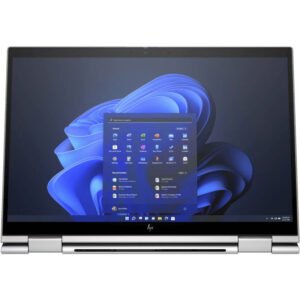 Business Laptops, HP Elitebook, Ultrabook and X360
HP EliteBook 1040 G10 x360 | Intel Core i7-1355U | 16GB RAM | 512GB SSD
Business Laptops, HP Elitebook, Ultrabook and X360HP EliteBook 1040 G10 x360 | Intel Core i7-1355U | 16GB RAM | 512GB SSD
Brand and Model HP Elitebook 1040 X360 G10 CPU model Intel Core i7-1355u Installed RAM memory size 16GB DDR4 Graphics card description Intel Iris X Hard disk size 512 GB SSD Nvme Screen size 14.1 Inches Full HD Colour Silver SKU: HP70183 -
Business Laptops, Office and Student, Ultrabook and X360
HP EliteBook 1040 G8 2-in-1 | Intel Core i7-1165G7 | 16GB RAM | 512GB SSD
-9%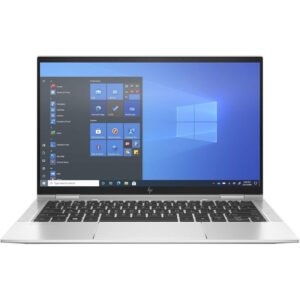 Business Laptops, Office and Student, Ultrabook and X360
HP EliteBook 1040 G8 2-in-1 | Intel Core i7-1165G7 | 16GB RAM | 512GB SSD
Business Laptops, Office and Student, Ultrabook and X360HP EliteBook 1040 G8 2-in-1 | Intel Core i7-1165G7 | 16GB RAM | 512GB SSD
Brand and Model HP Elitebook 1040 X360 G8 CPU model Intel Core i7-1165G7 Installed RAM memory size 16GB DDR4 Graphics card description Intel Iris X Hard disk size 512 GB SSD Nvme Screen size 14.1 Inches Full HD Colour Silver SKU: HP70184
There are no reviews yet.